
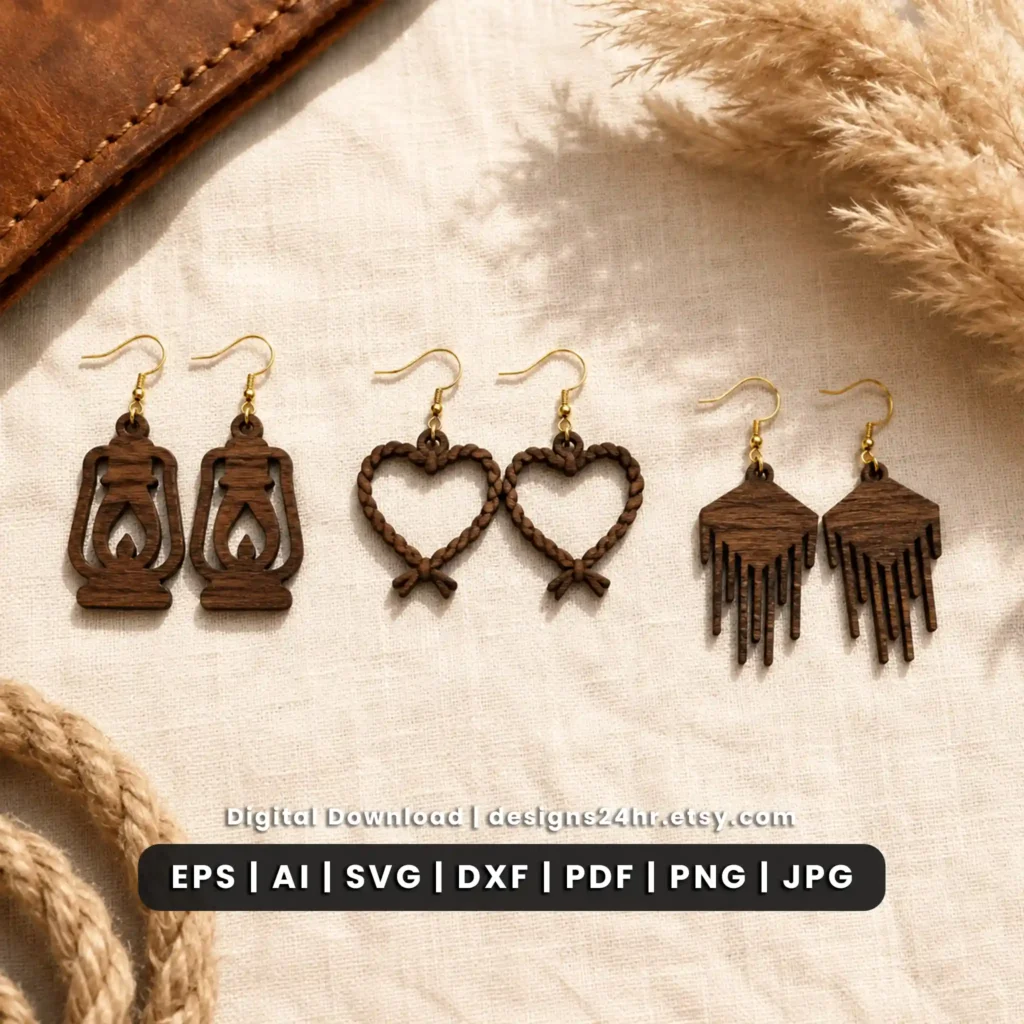
12 Western Earring Designs in One Laser Cut SVG Bundle
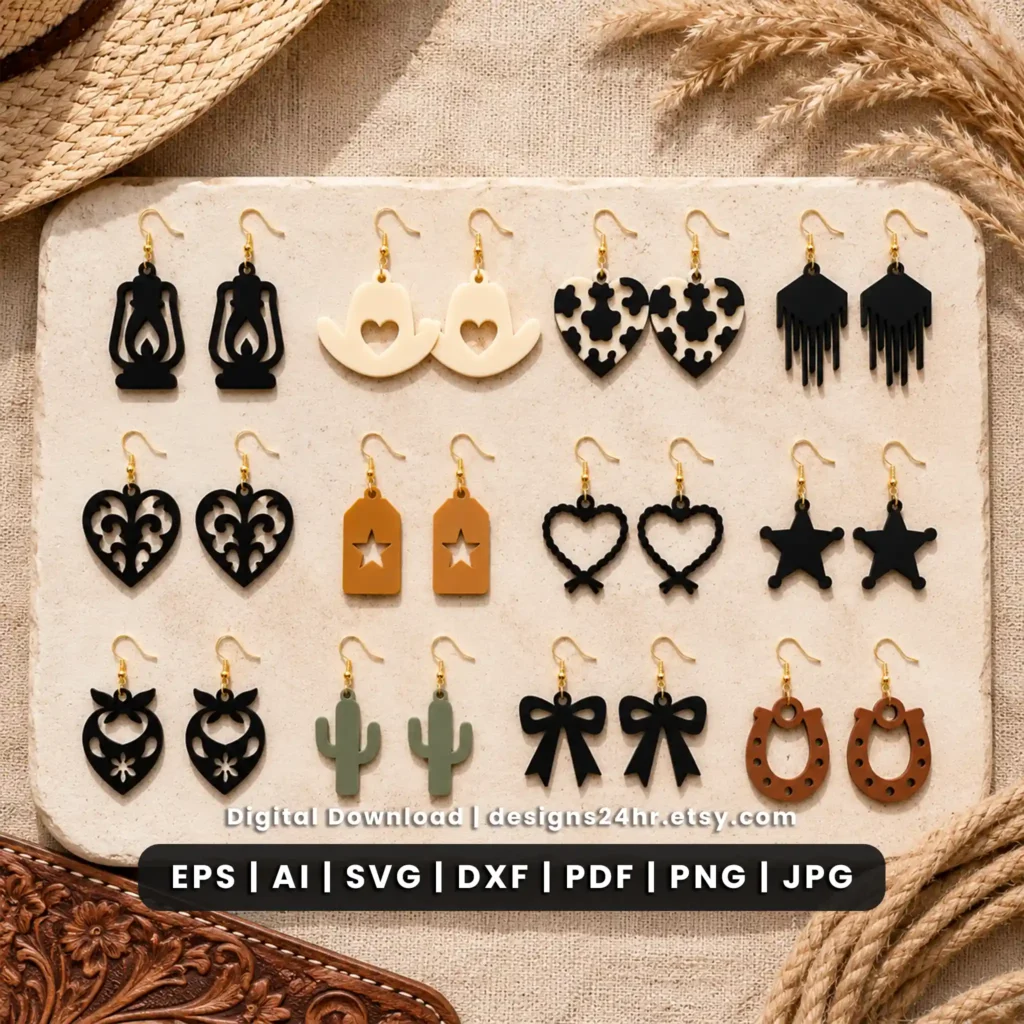
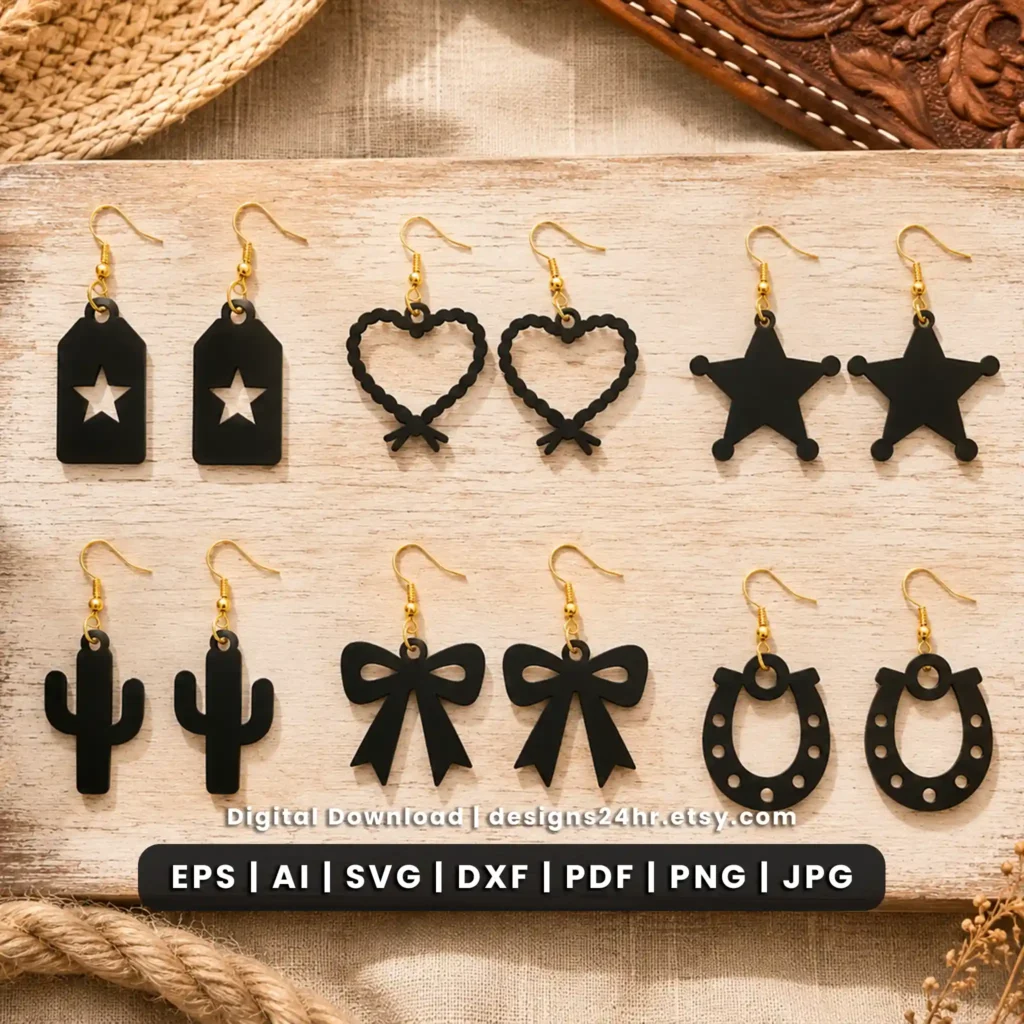
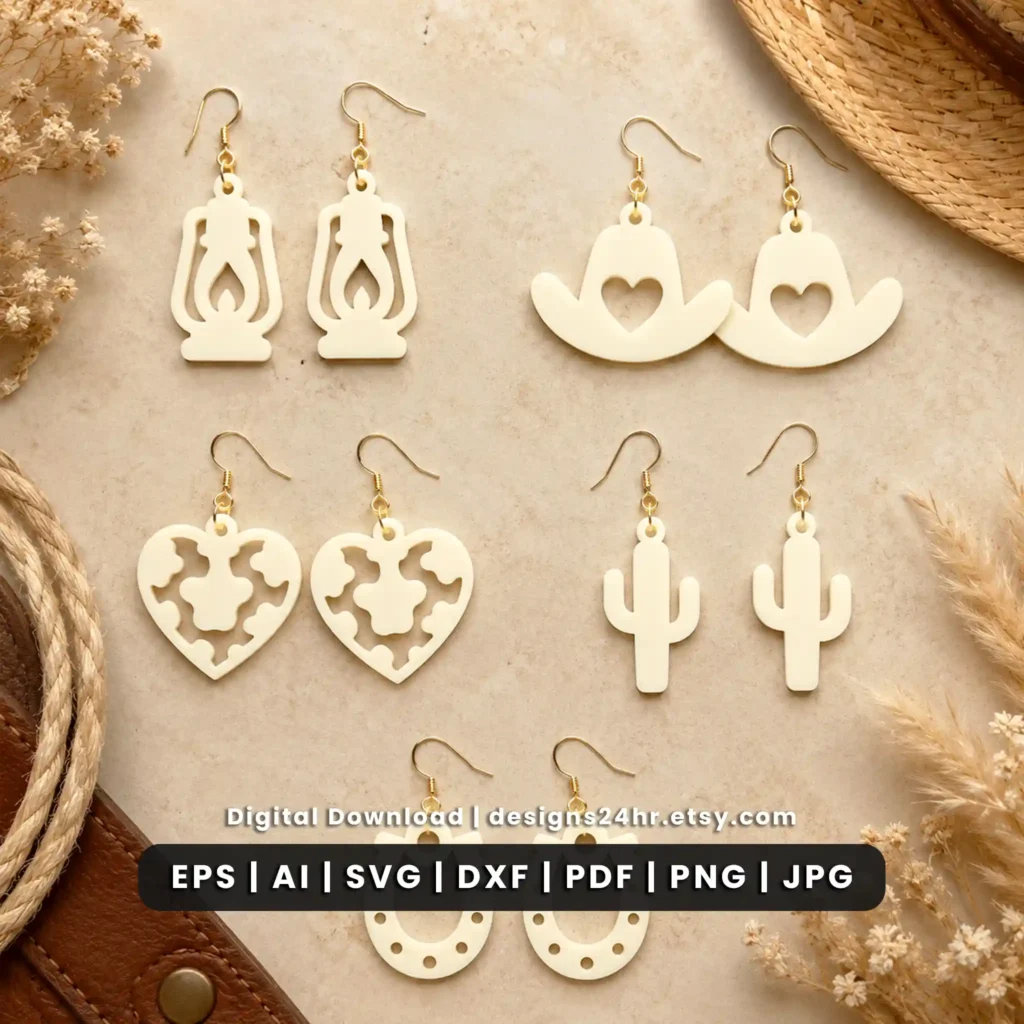
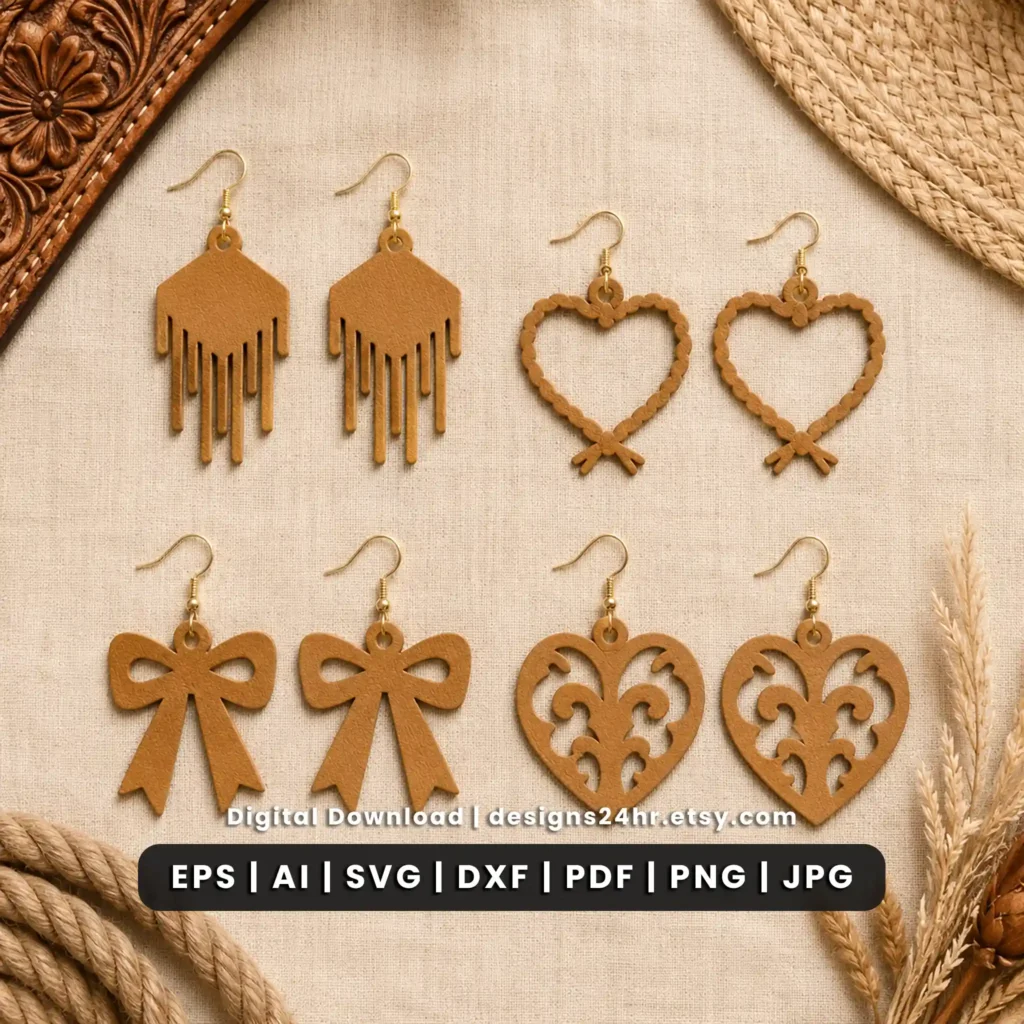
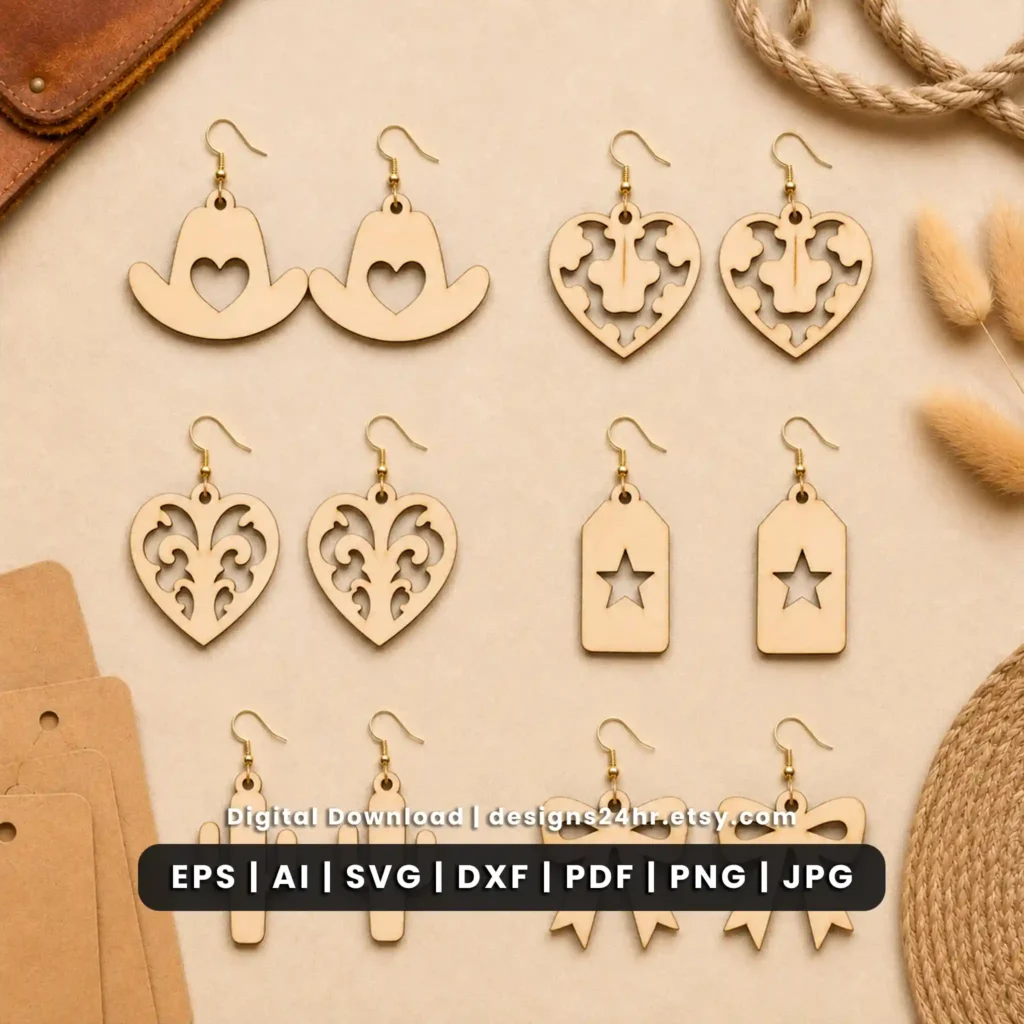
This western earrings SVG bundle includes 12 cowgirl and country-inspired designs for laser-cut jewelry projects. The collection brings together recognizable western motifs such as cowboy hats, horseshoes, cactus shapes, sheriff stars, western hearts and rustic decorative details in one digital Designs24hr bundle.
The files are intended for makers who want a coordinated western earring collection rather than a single cowboy or cowgirl design. Multiple vector and preview formats are included so you can choose a file type supported by your own compatible design and laser workflow.
12 Western & Cowgirl Earring Designs
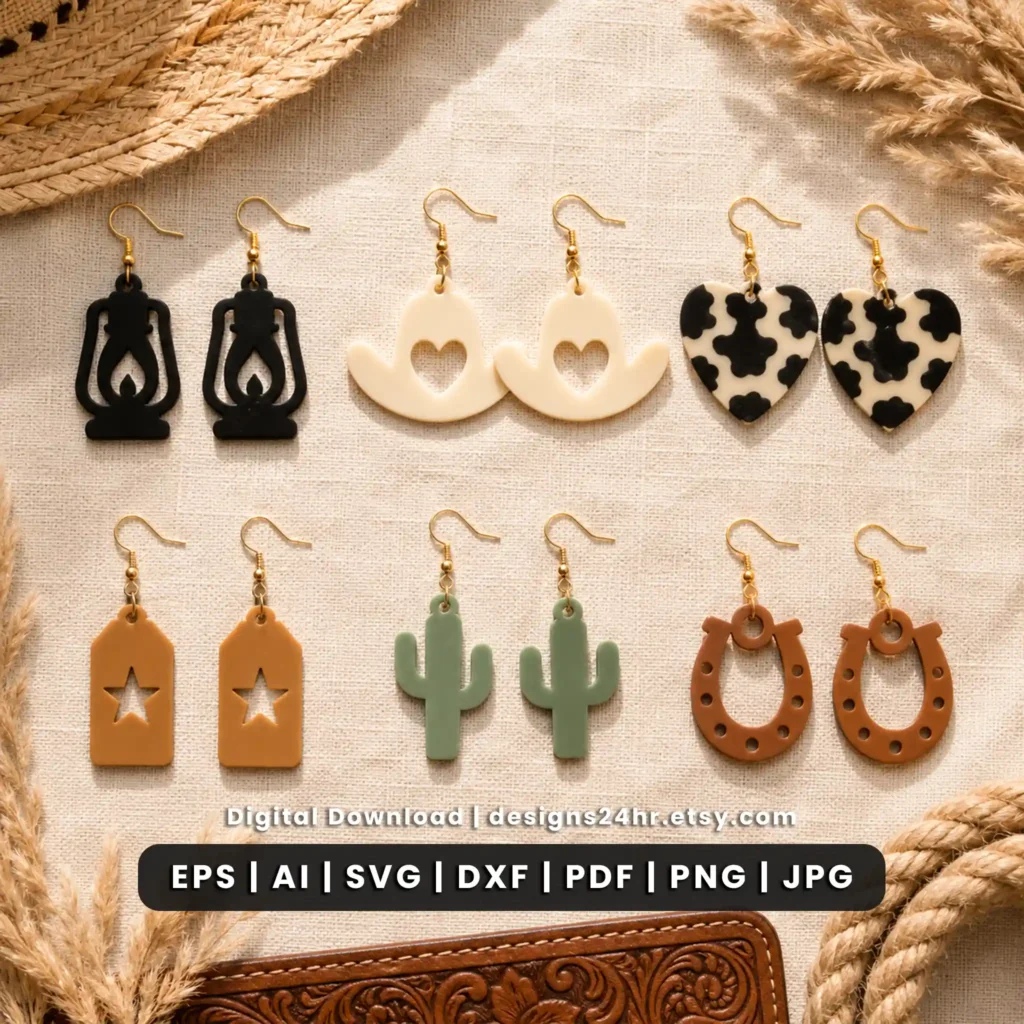
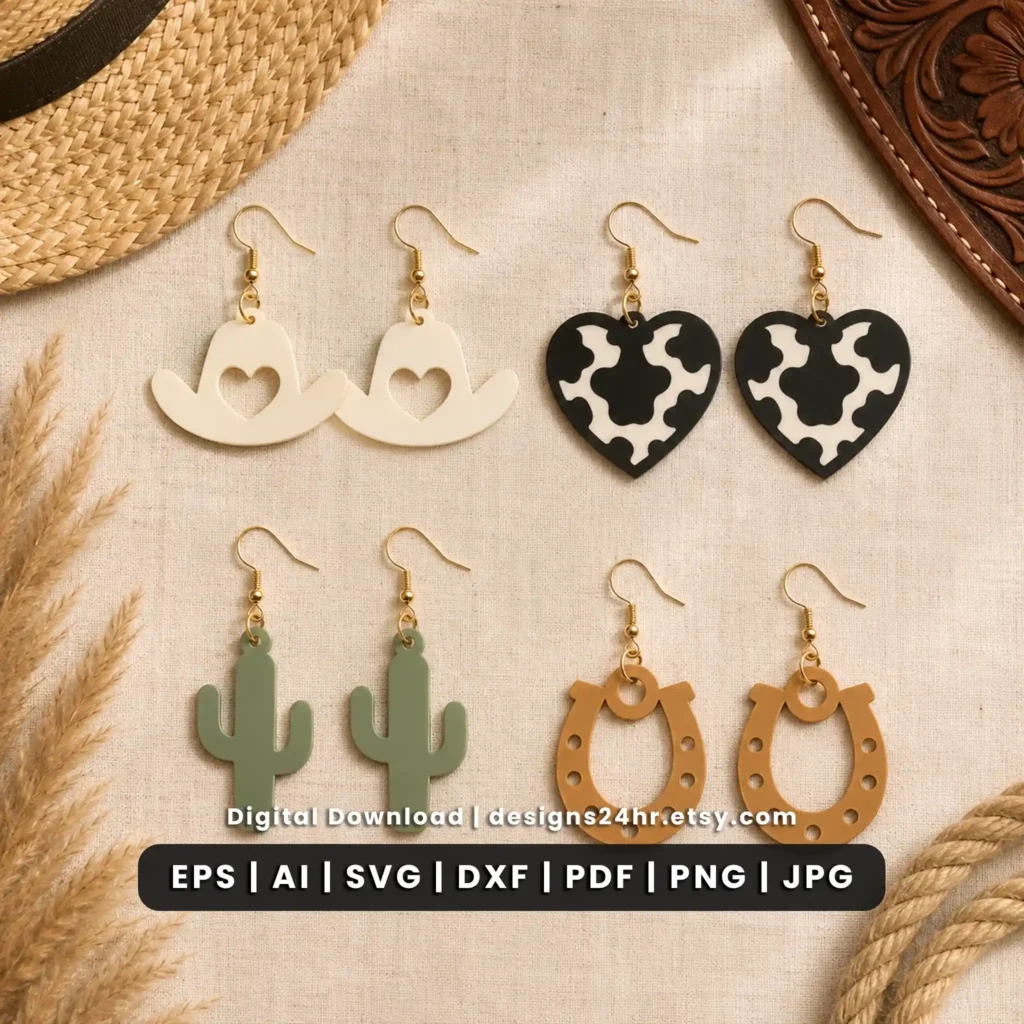
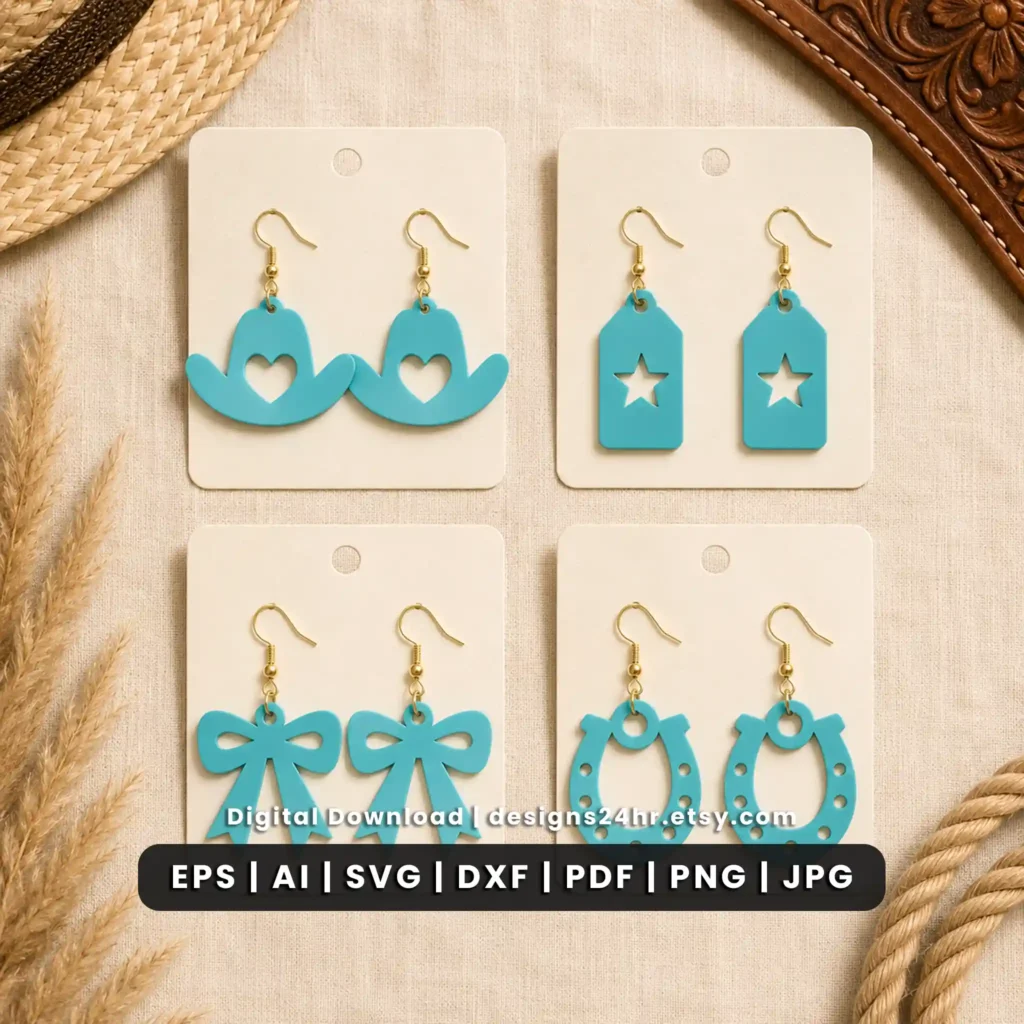
The product artwork uses a mix of classic western symbols and decorative country-style shapes. That gives the bundle variety while keeping the overall collection visually connected.
Design note: these descriptions follow the actual artwork visible in the Designs24hr product preview. Review the listing images before purchase if a particular western motif matters to your project.
Cowgirl, Cowboy, Country & Rodeo-Inspired Earring Themes
The collection combines several related western visual styles instead of relying on one repeated symbol. Cowboy hats and horseshoes create the classic western connection, while cactus, sheriff-star, cow-print, rope-heart and bow designs add country, ranch and cowgirl variety.
That makes the bundle useful when you want several western laser cut earrings that can work together as a themed jewelry collection while still giving each pair a different look.
SVG, DXF, EPS, AI, PDF, PNG & JPG Western Earring Files
The Designs24hr product preview identifies seven file types. The vector formats can support compatible editing and laser workflows, while PNG and JPG files are useful for visual reference and previews.
Compatibility reminder: confirm that your software supports at least one of the included file types before purchasing or preparing the design.
Ways to Use the Western Earrings SVG Bundle
The bundle is focused on western-style earring projects, but the range of motifs gives you several ways to organize a finished jewelry collection.
How to Prepare Western Earring Files for Laser Cutting
The exact preparation process depends on your machine, software and material, but these steps give you a practical workflow before final production.
Choose a Western Design
Select the cowboy hat, horseshoe, cactus, heart or other western earring style you want to use.
Select a Compatible Format
Open an included vector file type supported by the software in your own workflow.
Inspect the Paths
Review the outer shape, hanging hole and interior cutouts before preparing the design for your machine.
Check the Finished Size
Make sure the overall earring dimensions suit your intended jewelry hardware and material.
Set Up Your Material
Use settings recommended for your own laser and material rather than assuming one setting works across every machine.
Test Before Final Production
Run an appropriate test when needed to check detail, scale and material performance before making the final pair.
What to Check When Resizing Western Earring SVG Files
SVG files can be scaled in compatible software, but resizing an earring affects more than its overall dimensions. Western motifs with narrow outlines, small stars or interior cutouts may behave differently when reduced significantly.
Keep the design proportions locked when resizing unless you intentionally want to change the shape. Always inspect the final geometry before cutting.
Western Earring File Checklist
Copy this short checklist when preparing one of the western earring designs in your own laser workflow.
Check File Support Before Importing the Designs
The western earrings bundle includes several common vector and raster file types, but software support can vary by version, operating system and workflow.
If you use LightBurn, its official file-management documentation explains the file formats currently supported by the application.
You can also visit the Designs24hr Laser Cutting Guides for additional help with SVG, DXF and digital laser-file workflows.
Digital Western Earring Files, Not Finished Jewelry
This product is a digital design bundle. The earrings shown in product mockups illustrate how the western artwork can look as finished jewelry; physical earrings and jewelry hardware are not being sold on this website.
Review the corresponding Etsy listing for the complete purchase and download details before buying.
Check the License Before Selling Finished Earrings
If you plan to use Designs24hr files for a commercial finished-product project, review the current usage rules before creating items for sale or distributing any digital artwork.
Read the Designs24hr Terms & License for the applicable rules covering commercial use, digital-file sharing, redistribution and finished physical products.
Find More Laser Cut Earring SVGs
Frequently Asked Questions About the Western Earrings SVG Bundle
What is included in the western earrings SVG bundle?
Which western earring designs are included?
Does the bundle include cowgirl boot designs?
What file formats are included?
Are these physical western earrings?
Are these western designs made for laser cutting?
Can I resize the western earring SVG files?
Can these files be used in LightBurn?
Can I sell finished western earrings made from these designs?
Can I resell or share the SVG files?
Where do I purchase the western earrings SVG bundle?
Know Someone Who Loves Western Jewelry Projects?
Create a Western Earring Collection
Explore 12 western and cowgirl-inspired earring designs with SVG, DXF, EPS, AI, PDF, PNG and JPG file options. Review the bundle details and product mockups, then visit the Designs24hr Etsy listing when you are ready to purchase the digital files.