
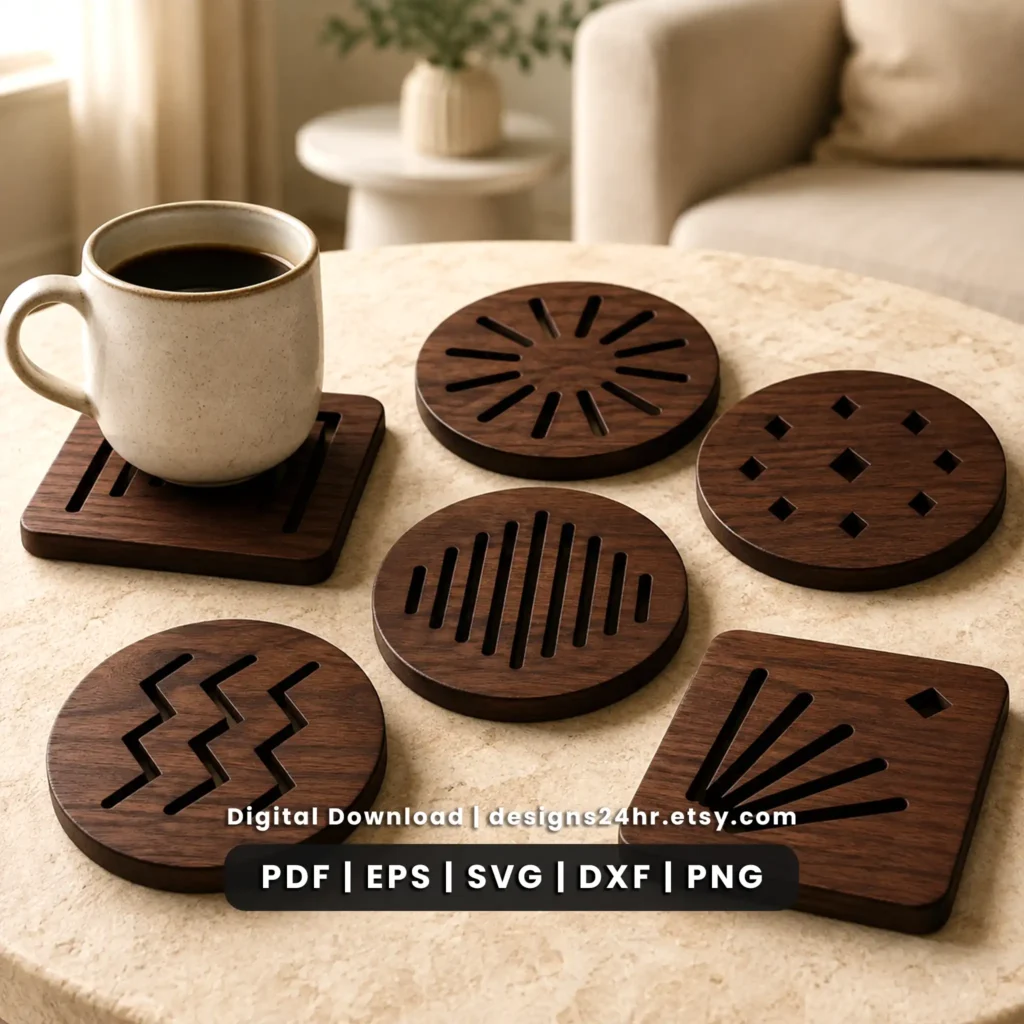
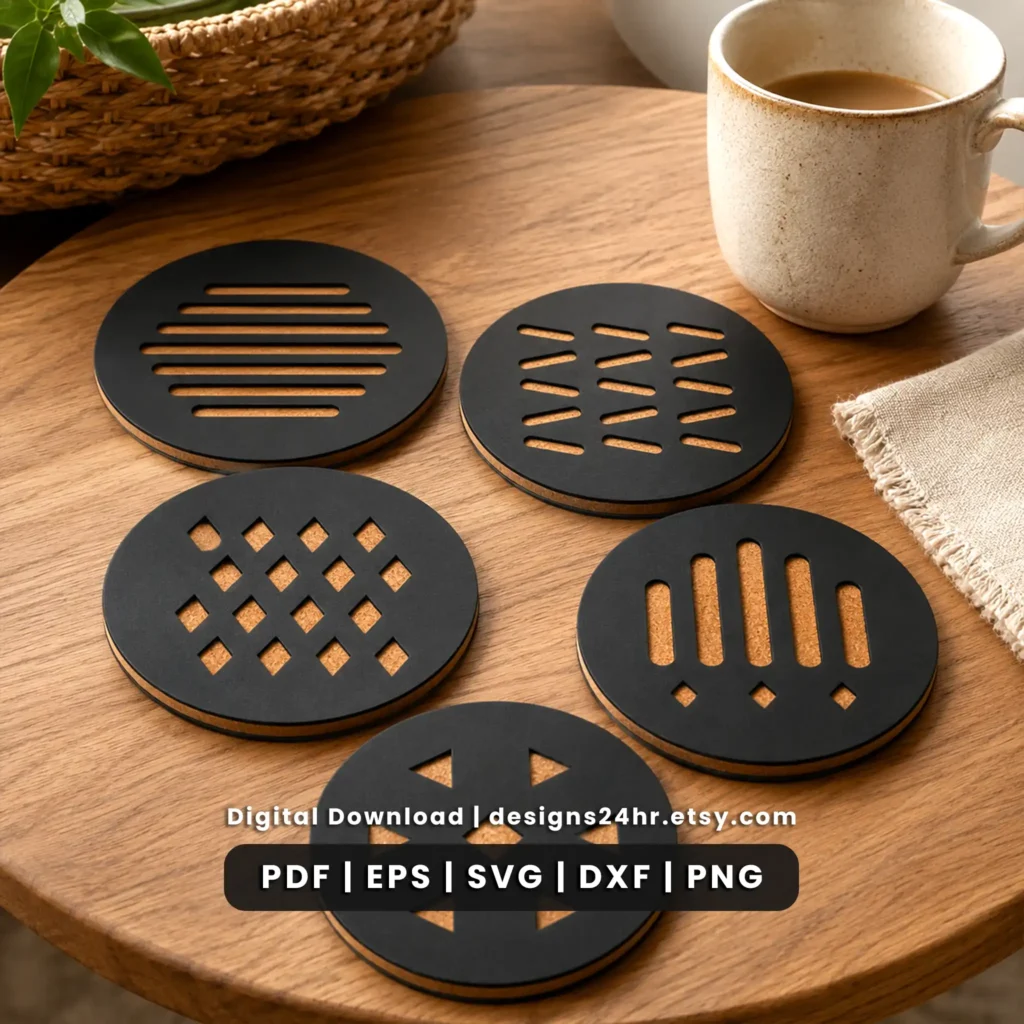
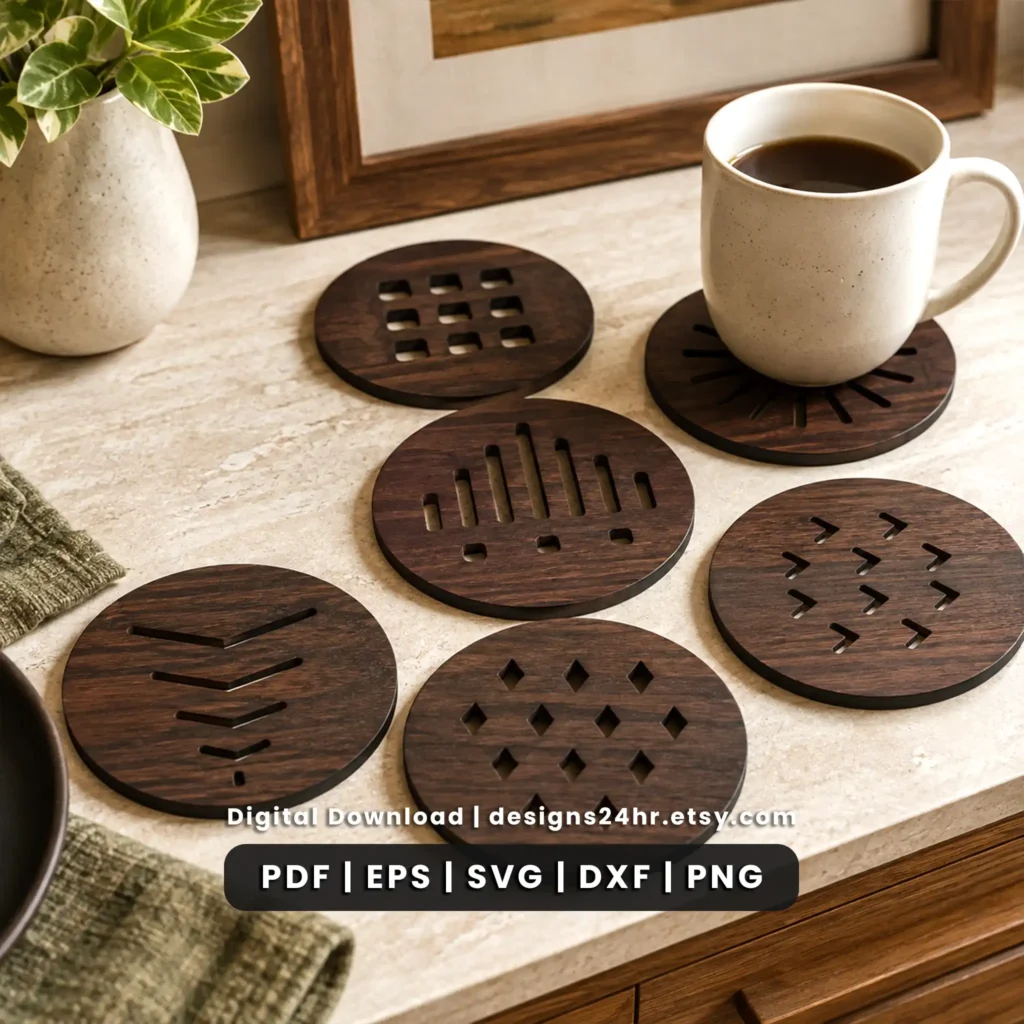
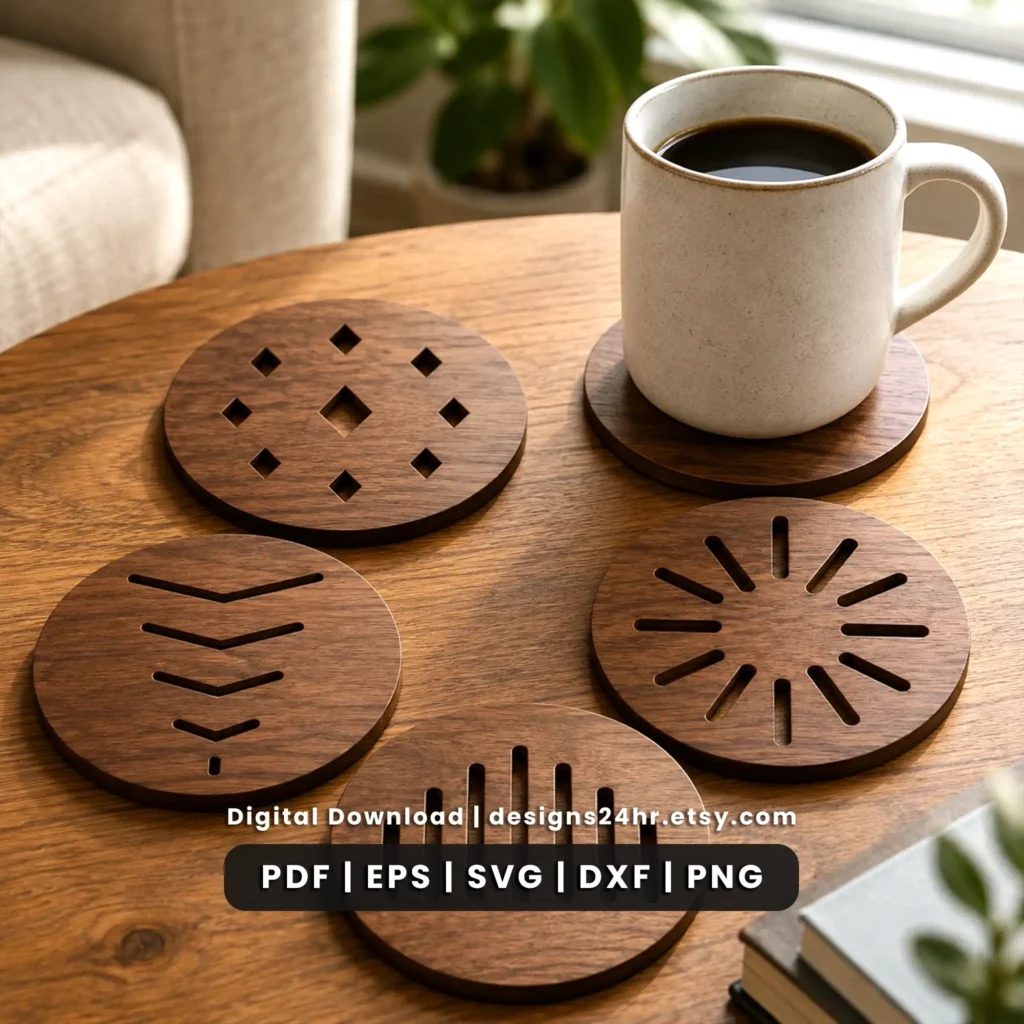
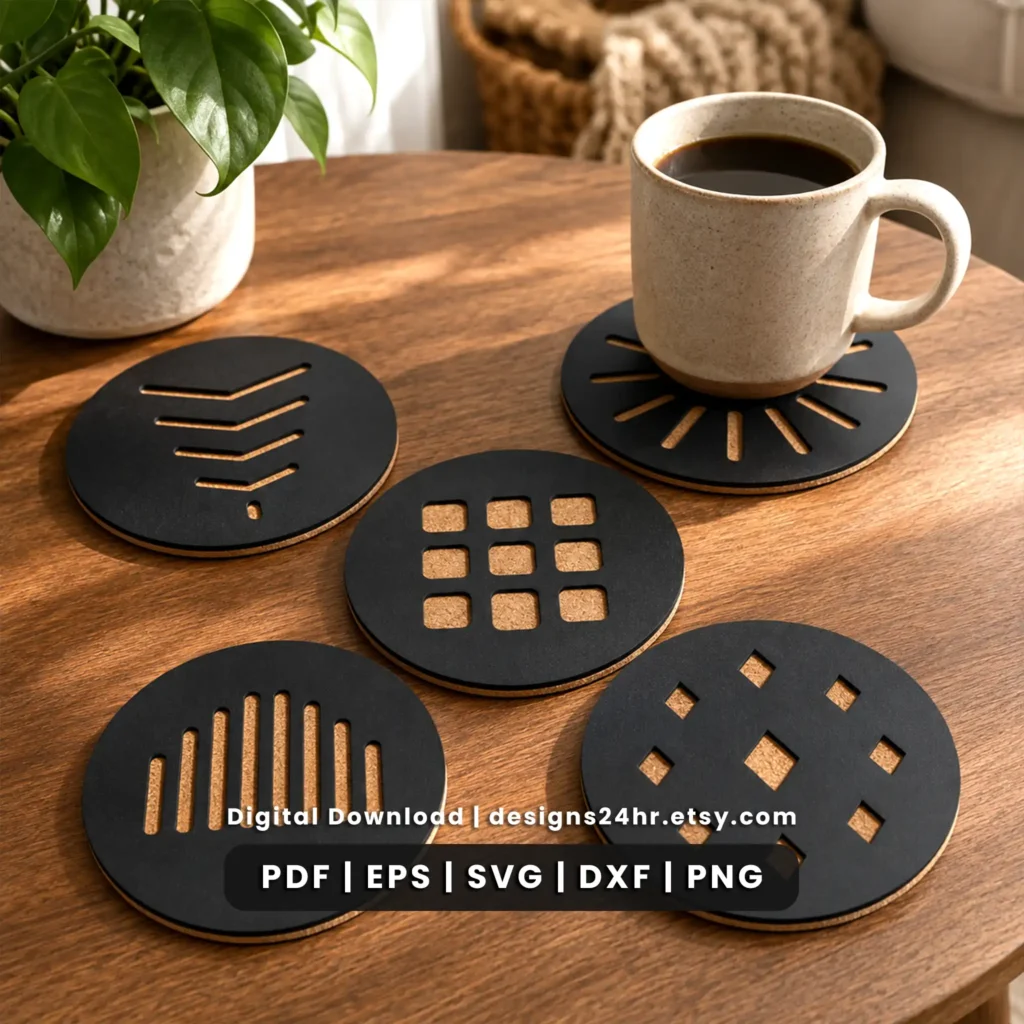
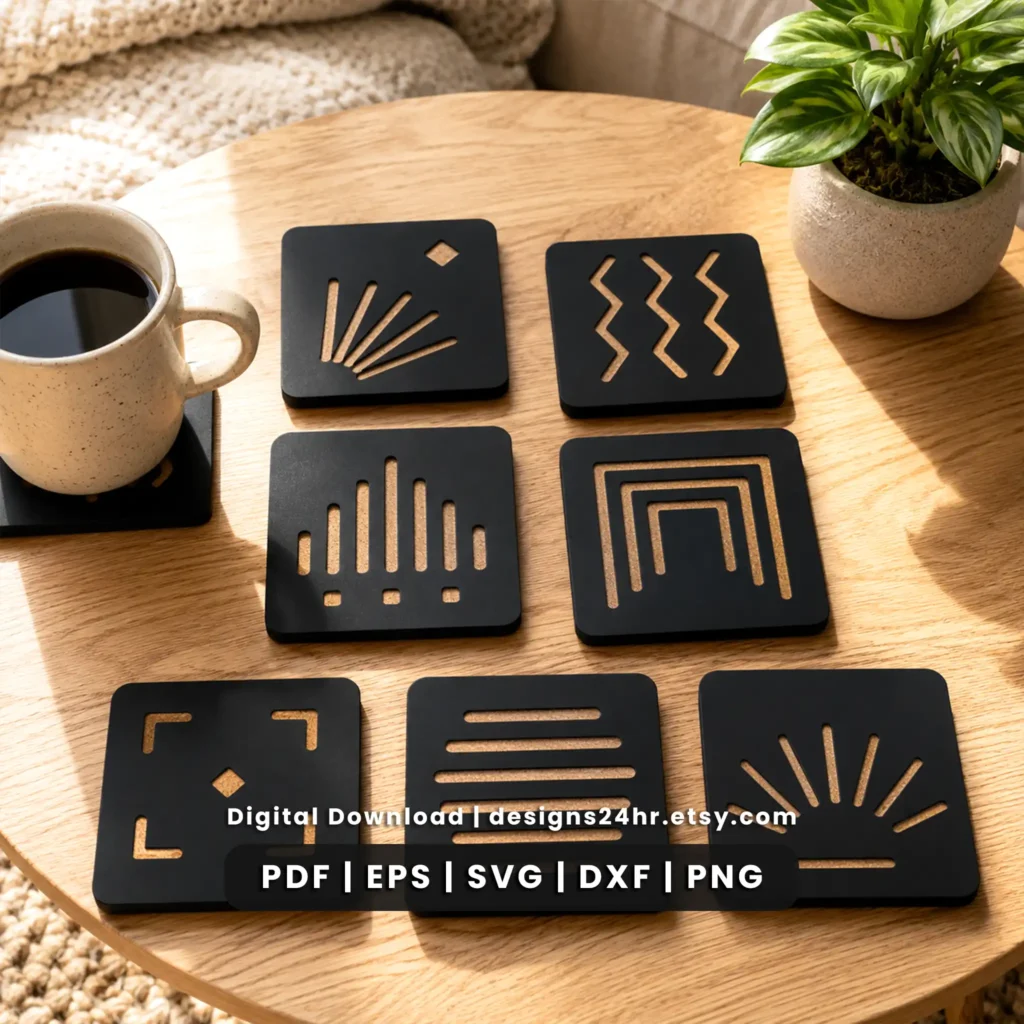
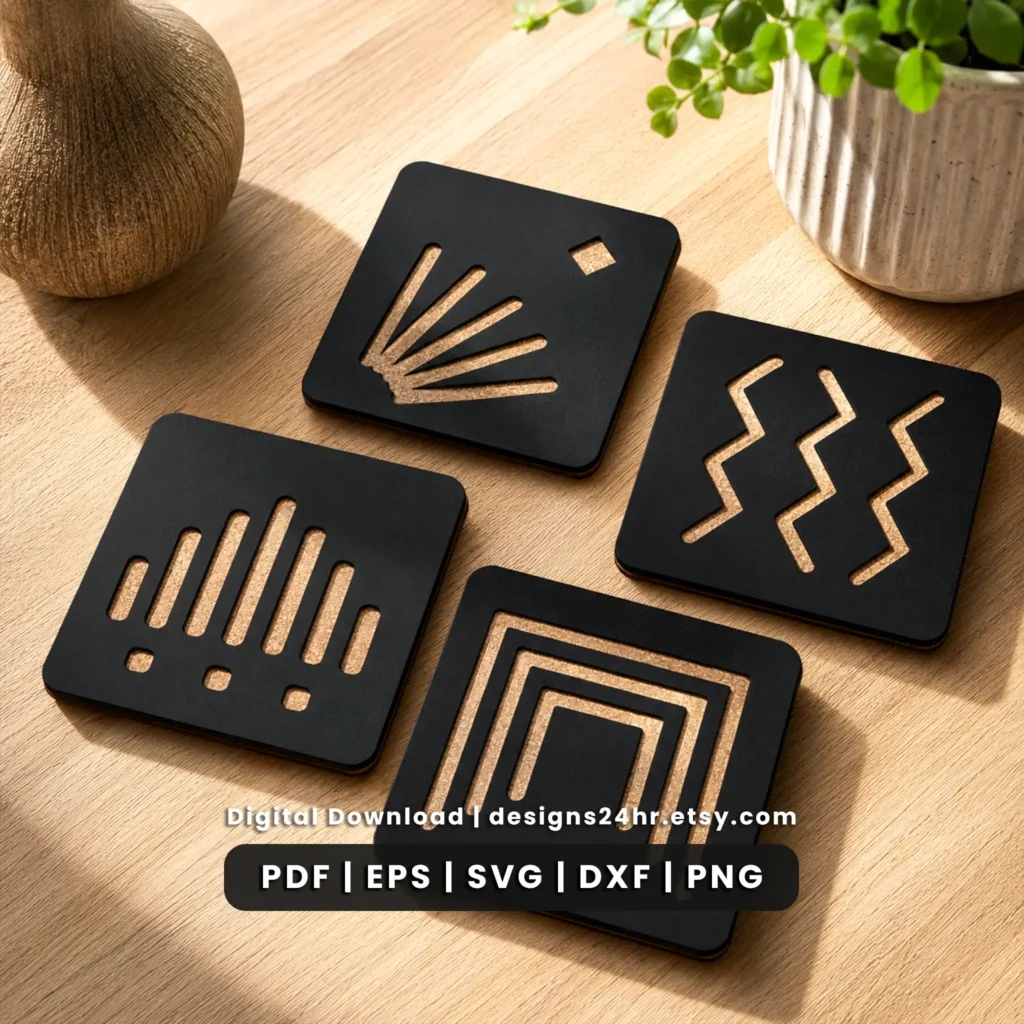
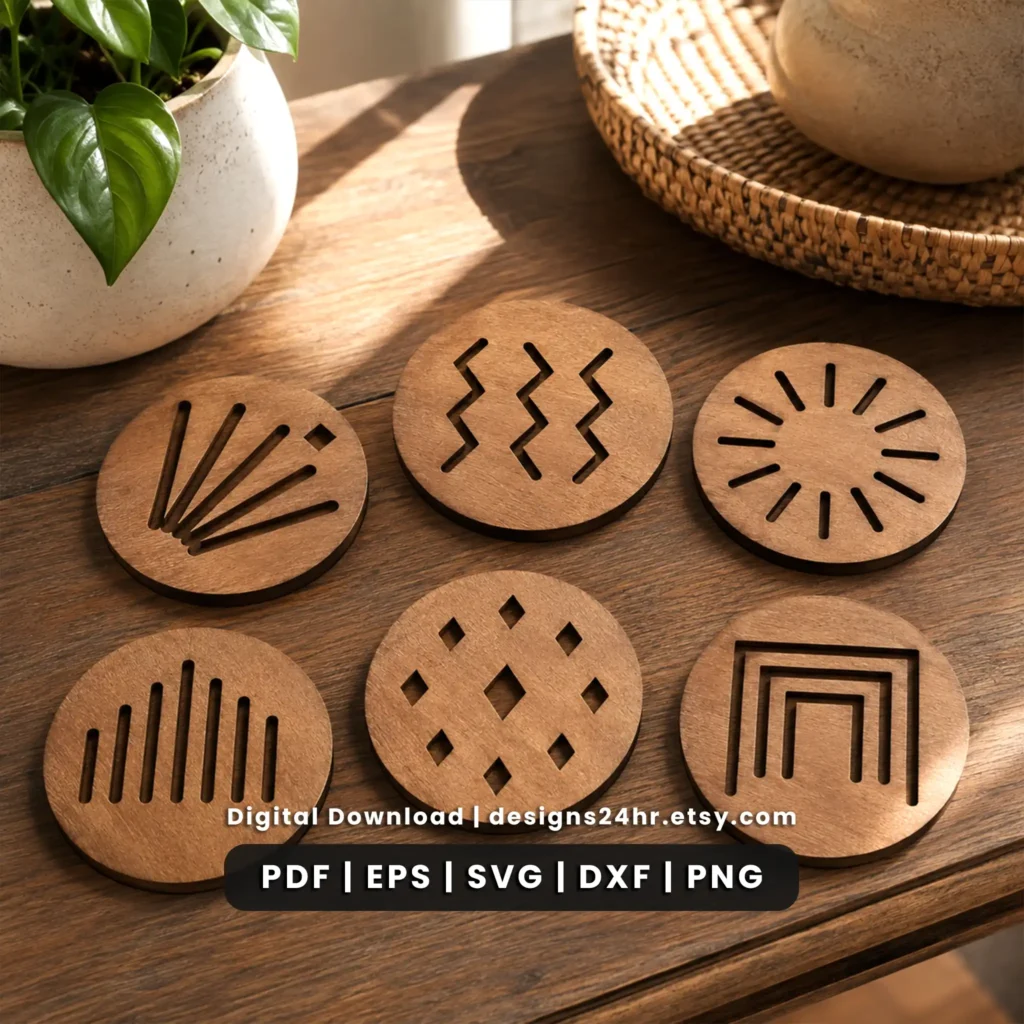
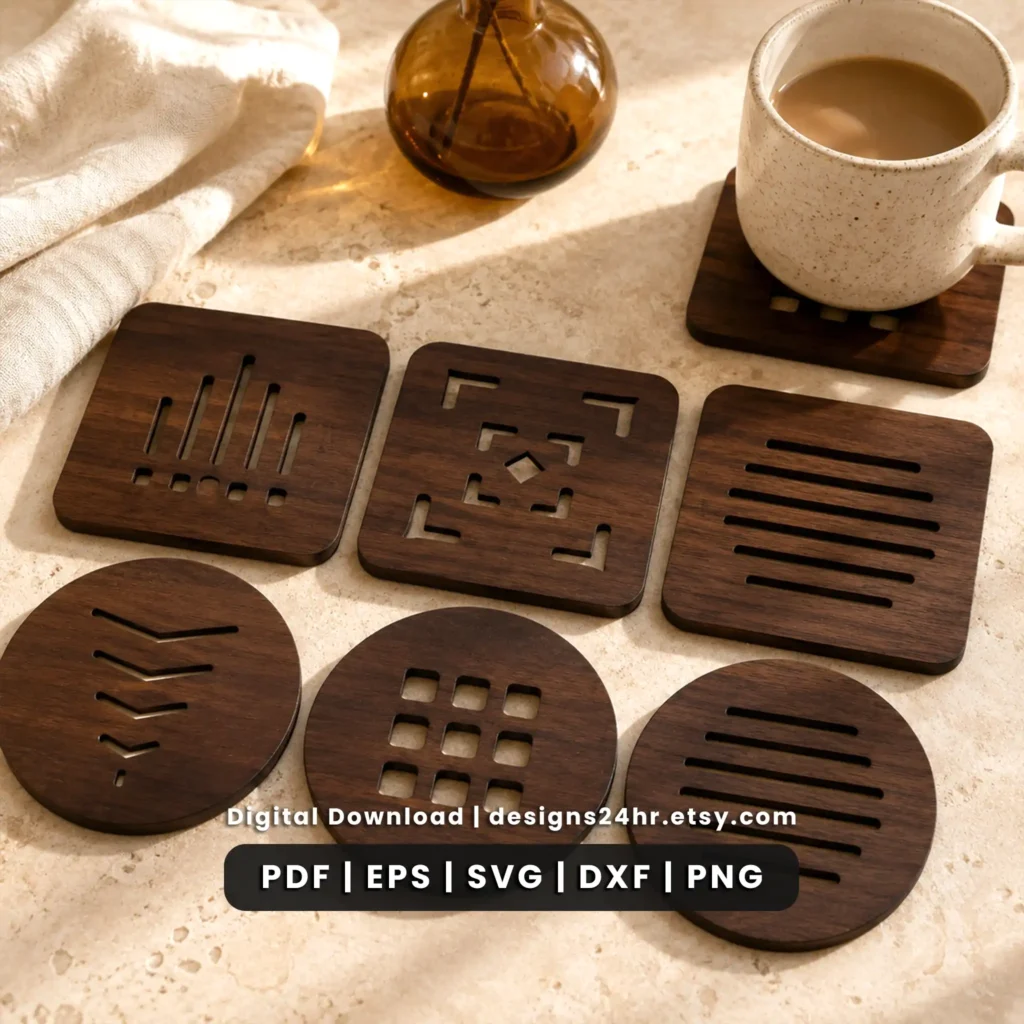
Create coordinated drink coaster projects with this 20-design Art Deco coaster SVG bundle. The collection combines decorative geometric patterns with practical digital file formats for makers planning laser-cut coaster projects. SVG, DXF, EPS, PNG and PDF files are included so you can choose the format that best fits your design and cutting workflow.
This is a digital design product, not a set of finished physical coasters. Review the files, project considerations and preparation tips below, then complete your purchase through the Designs24hr Etsy shop.
20 Art Deco Coaster SVG Designs in One Bundle
This collection brings together 20 coordinated coaster designs built around the visual language of Art Deco: structured geometry, repetition, symmetry and decorative pattern work. Instead of relying on text or novelty graphics, the designs focus on geometric composition, making them suitable for makers who want a consistent visual style across a complete coaster set.
The bundle can work especially well when you want several related designs without every finished coaster looking identical. A geometric coaster SVG can be used individually, while multiple designs from the collection can also be combined into a coordinated gift set, tabletop set or maker-product collection.
Art Deco Geometry
Decorative geometric patterns inspired by the symmetry, rhythm and structured visual character associated with Art Deco design.
Coaster Cut Files
Digital artwork intended for makers who want to turn the designs into physical coaster projects using a compatible workflow.
20 Coordinated Designs
Enough variation to create individual projects, matching coaster sets or a broader geometric product collection.
What Files Are Included?
The Art Deco coaster SVG bundle includes five common digital file formats. The best format to use depends on your software, editing needs and cutting workflow.
A scalable vector format commonly used for editing, resizing and importing designs into compatible design software.
A vector exchange format frequently supported by CAD and fabrication-oriented applications.
A scalable vector format useful in compatible professional graphics and illustration workflows.
A raster image format that can be useful for previews and compatible image-based workflows.
A convenient reference and viewing format supported by many computers, browsers and document applications.
Projects You Can Make With These Coaster SVG Files
A laser cut coaster SVG can become more than a single tabletop project. The finished result depends on your chosen material, size, machine, settings and finishing method, but the geometric nature of these designs makes the collection useful for several types of maker projects.
Coordinated Drink Coaster Sets
Use several patterns from the collection to create a matching set with visual variety while keeping a consistent Art Deco theme.
Handmade Gift Projects
Build a themed coaster set as part of a housewarming, wedding, holiday or handmade gift project where geometric styling fits the occasion.
Table and Bar Décor
Geometric coaster patterns can complement decorative tabletop, coffee-bar, dining or home-bar setups.
Craft-Fair Inventory
Makers who are permitted to sell physical products under the applicable license can review the Etsy listing for the current usage terms before producing items for sale.
Material Tests
Individual patterns can also be used when comparing how different materials, thicknesses and settings reproduce fine geometric details.
Mixed Design Sets
Pair different geometric patterns from the bundle to create a set where each coaster has its own design without losing overall visual consistency.
Materials to Consider for Laser-Cut Coaster Projects
The digital artwork does not determine which physical material you must use. Your machine capabilities, material thickness, desired finish and the amount of detail retained at the final coaster size all matter.
Wood and Plywood
Wood-based materials can give geometric coaster projects a warm, natural finish. Check material flatness, thickness and cut settings before producing a full set.
MDF
MDF may be useful for prototypes or finished projects when it is appropriate for your machine and application. Always verify that the specific material is suitable for your equipment.
Compatible Acrylic
Acrylic can produce a very different visual effect from wood. Confirm that the exact acrylic type is compatible with your laser and follow the material and machine manufacturer’s guidance.
Never assume a material is safe to laser merely because it can be cut or engraved. Use only materials that are appropriate for your machine and follow the manufacturer’s safety guidance.
How to Prepare the SVG Before Cutting
Preparing the file before sending it to your machine can prevent wasted material and help preserve the geometry of the design. Use this simple workflow as a starting point for a geometric coaster SVG project.
Import the format your software supports
Start with SVG, DXF, EPS or another included format that your chosen software imports correctly.
Set the intended coaster dimensions
Resize the design to suit your project while keeping the original proportions locked so the geometric pattern does not distort.
Inspect small internal details
Zoom in and review narrow sections, internal cutouts and small geometric features. Details that look generous on-screen can become delicate when the design is reduced.
Confirm cut and engrave operations
Make sure your software has interpreted the artwork the way you intend before sending the job to the laser.
Check for duplicate paths
Review your imported file for duplicated lines or unexpected geometry that could cause the laser to travel over the same area more than intended.
Run one test piece first
Test one coaster or a representative section before committing an entire sheet of material to the full 20-design collection.
Adjust for material and kerf
If the final result contains narrow bridges or small openings, evaluate whether your material thickness and kerf affect the strength or appearance of those details.
File Compatibility and Design Software
Compatibility is best evaluated by file format rather than by making a blanket claim that one digital product works with every machine. Different laser systems and design applications accept different formats and may interpret imported artwork differently.
Before purchasing, confirm that the software used in your own workflow can import at least one of the included formats: SVG, DXF, EPS, PNG or PDF.
- Check which vector or image formats your software supports.
- Confirm whether imported paths remain editable.
- Verify dimensions after import instead of assuming they are correct.
- Inspect cut lines before starting the machine.
- Save a working copy before modifying the original file.
Why Art Deco Geometry Works Well for Coaster Designs
Art Deco design is strongly associated with symmetry, repeated lines, structured ornament and deliberate geometry. Those visual traits can translate effectively to coaster projects because the design must work inside a relatively compact area while still remaining visually distinctive.
A well-scaled geometric pattern can create contrast through negative space, repeating forms and balanced internal shapes. When several related patterns are used together, the common geometric language helps the finished pieces feel like a collection rather than unrelated individual designs.
That makes this bundle particularly useful when you want more variety than a single repeated coaster pattern while still keeping a consistent decorative direction across the set.
Before Cutting Your First Coaster
A few checks before starting can save material and help you catch scaling or import issues early.
- Confirm the finished coaster dimensions in your design software.
- Keep the artwork proportional while resizing.
- Check that narrow geometric sections remain practical at your chosen size.
- Inspect the file for overlapping or duplicated paths.
- Use suitable settings for the exact material and thickness.
- Make a test cut before producing the complete set.
- Evaluate kerf and fit before repeating the design across more material.
- Review the current Etsy listing for product and license details before commercial use.
Digital Product Details
Digital Files
This listing is for downloadable design files. No physical coaster, wood blank, acrylic blank or finished product is shipped from this page.
Checkout Through Etsy
The product is sold through the Designs24hr Etsy shop. Current pricing, delivery and listing details should be confirmed on Etsy before purchase.
Check Current License Terms
Review the exact Etsy listing for the current personal or commercial-use terms rather than assuming a license from this informational page.
Art Deco Coaster SVG Bundle FAQs
Is this a physical coaster set?
No. This is a digital design bundle. You receive digital artwork for making your own projects; no finished physical coaster is shipped.
How many coaster designs are included?
The bundle contains 20 individual Art Deco geometric coaster designs.
What file formats are included?
The collection includes SVG, DXF, EPS, PNG and PDF files. Choose the format that works best with your own software and workflow.
Can I resize the coaster SVG files?
Vector formats such as SVG, DXF and EPS can generally be resized in compatible software. Keep the proportions locked and inspect small geometric details after resizing because reducing the design can make narrow sections more delicate.
What materials can I use for coaster projects?
Depending on your machine and project requirements, suitable wood, plywood, MDF or compatible acrylic may be considered. Always verify that the exact material is safe and appropriate for your equipment.
Will these files work with my laser cutter?
Compatibility depends on the software and file formats supported by your workflow. Check that your software can import one of the included SVG, DXF, EPS, PNG or PDF formats before purchasing.
Should I make a test cut first?
Yes. Material type, thickness, kerf and machine settings can all affect the finished result. Testing one design before producing a complete set can help identify adjustments early.
Can I sell products made from these designs?
Check the current Designs24hr Etsy listing for the license terms that apply to this specific product. Do not assume commercial-use rights based solely on this informational page.
Explore More Laser Cut SVG Resources
Looking for another project or want help preparing digital cut files? Continue through the Designs24hr laser-cut collection and maker guides.
Get the 20-Design Art Deco Coaster SVG Bundle
Review the complete product listing, current license information and purchase details through the official Designs24hr Etsy shop. The collection includes 20 geometric Art Deco coaster designs in SVG, DXF, EPS, PNG and PDF formats.
Designs24hr provides the informational product page above to help makers understand the digital files and project considerations before purchasing. Current product, price, availability and license details are controlled by the corresponding Etsy listing.