
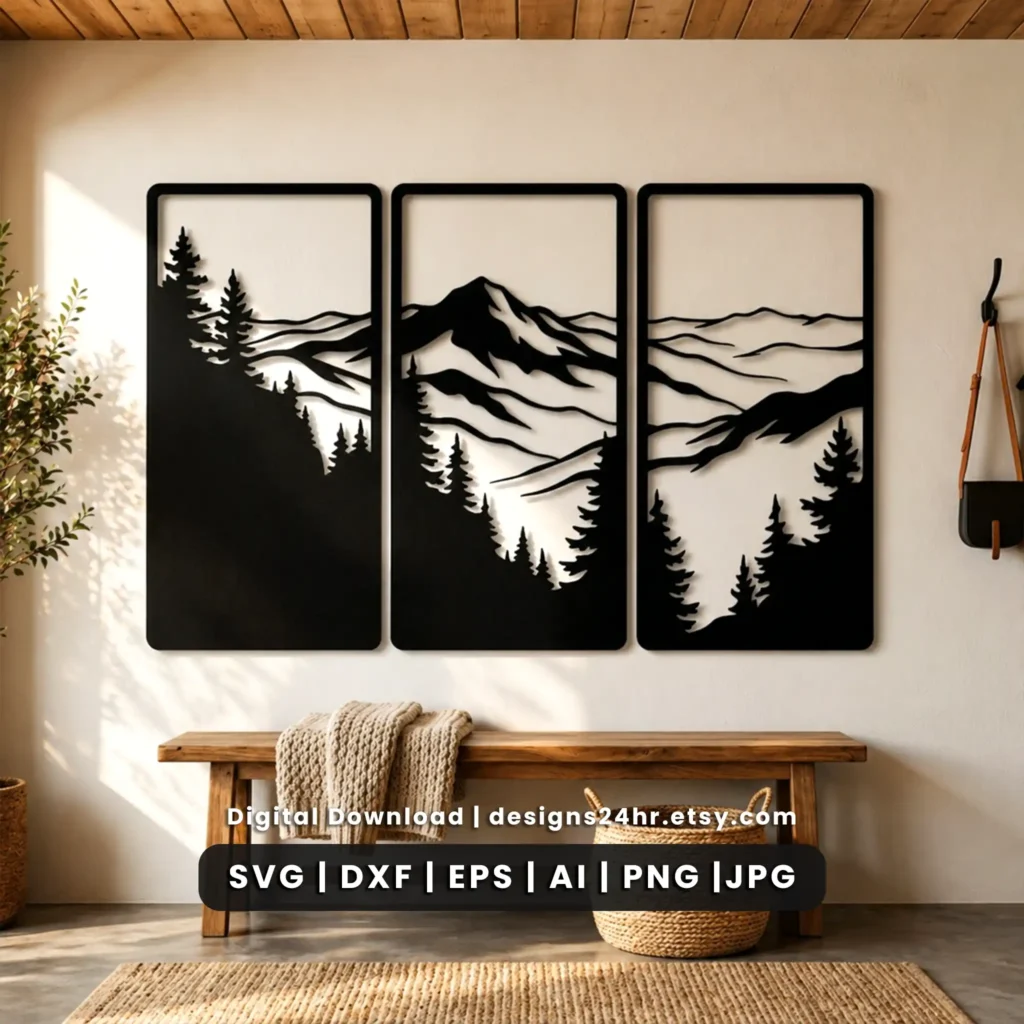
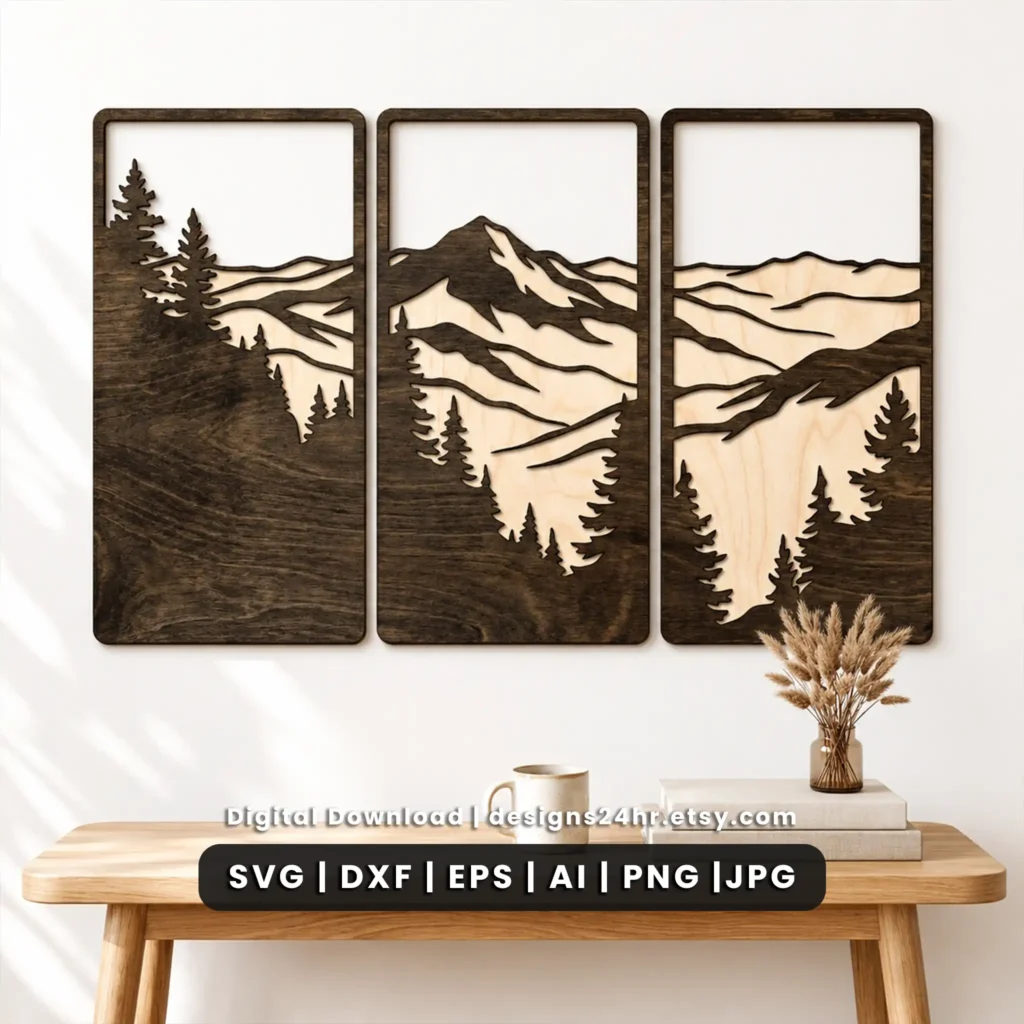
Mountain Triptych SVG for a Continuous 3-Panel Landscape
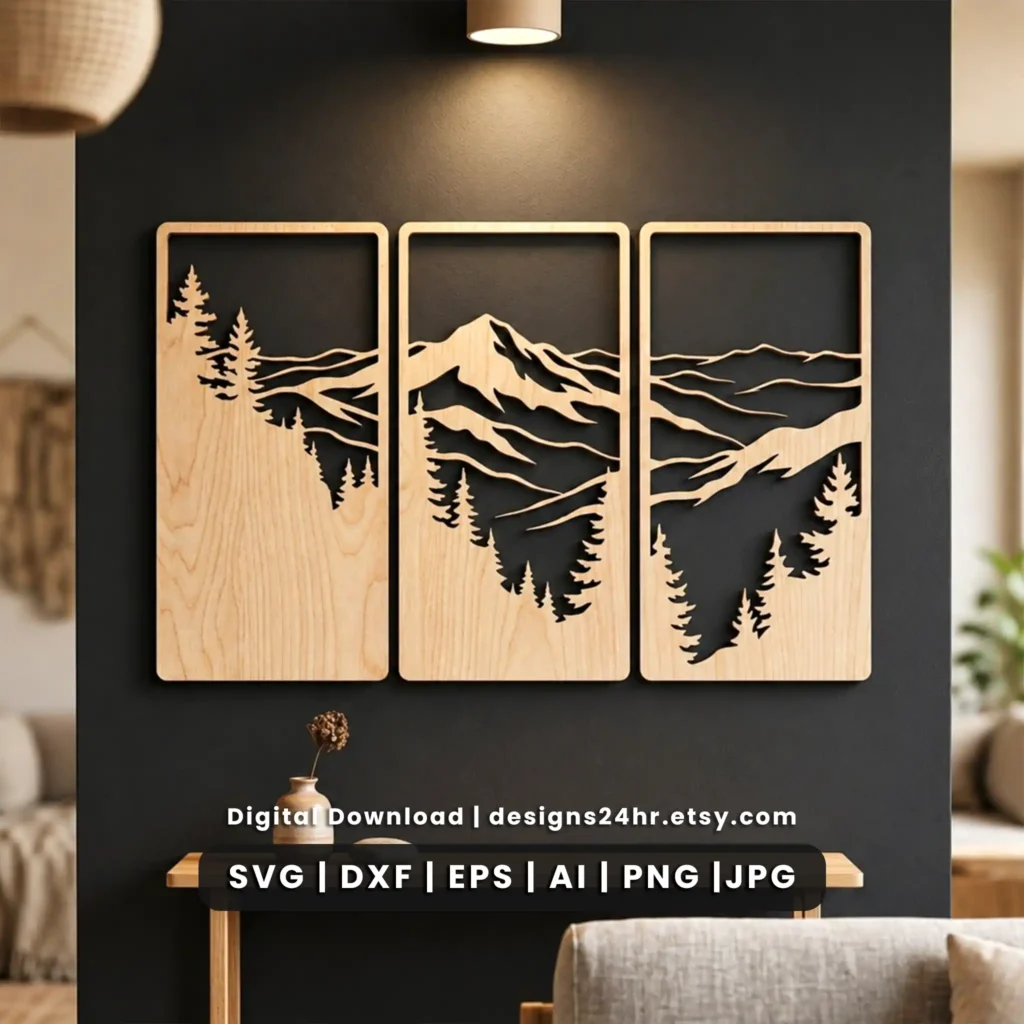
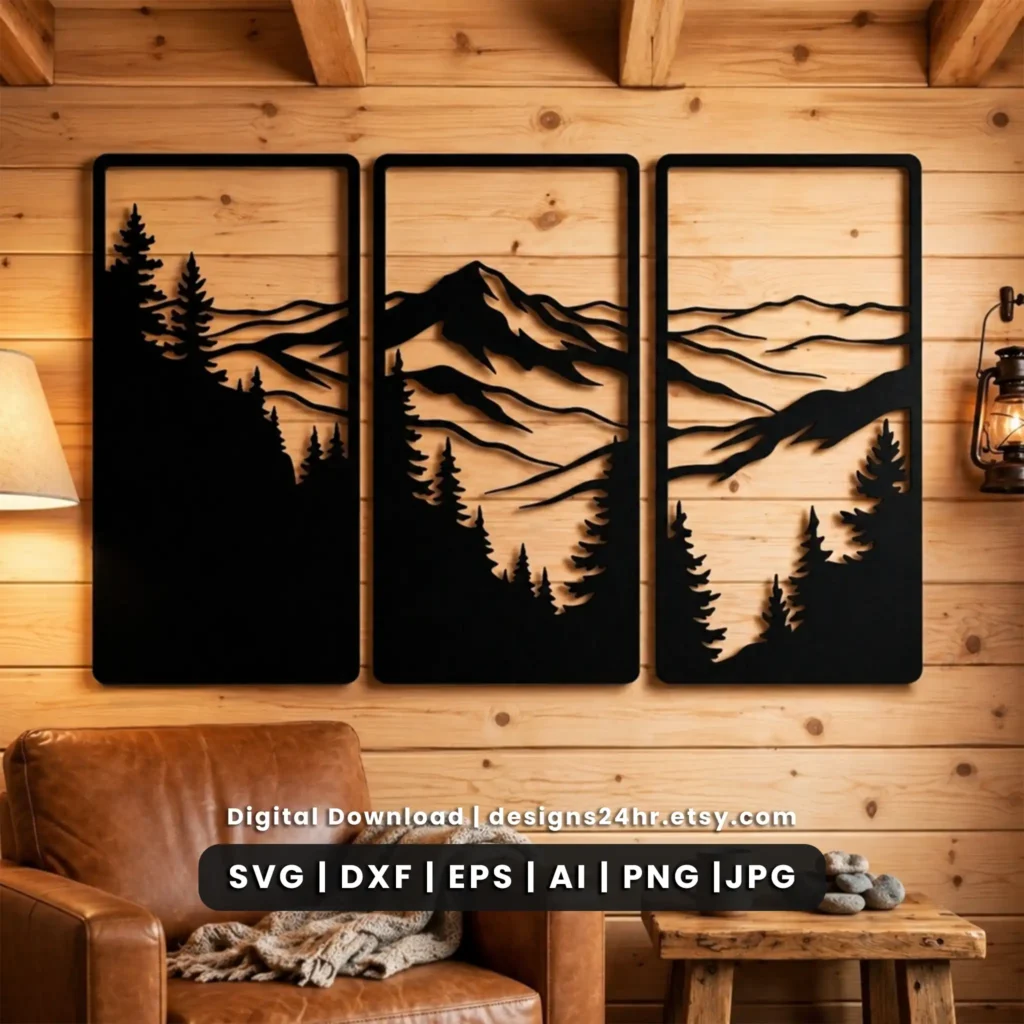
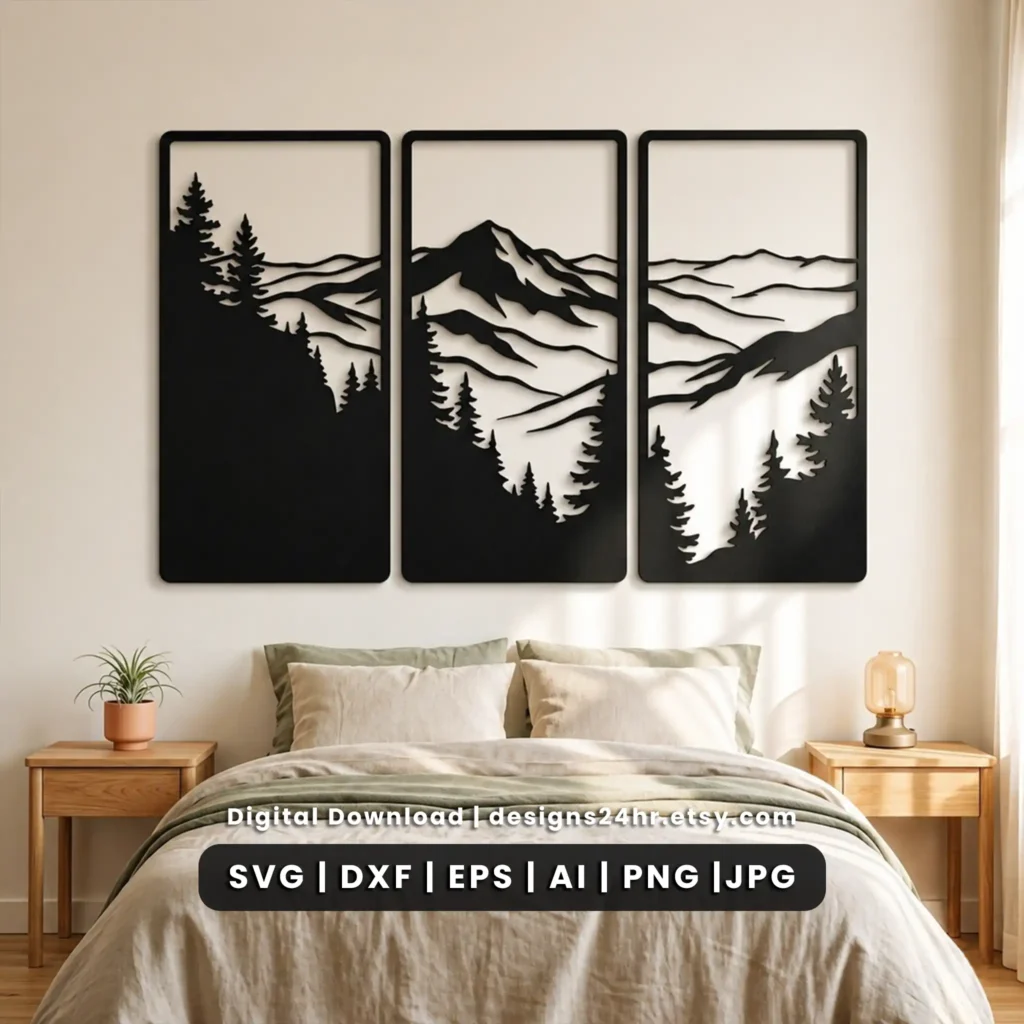
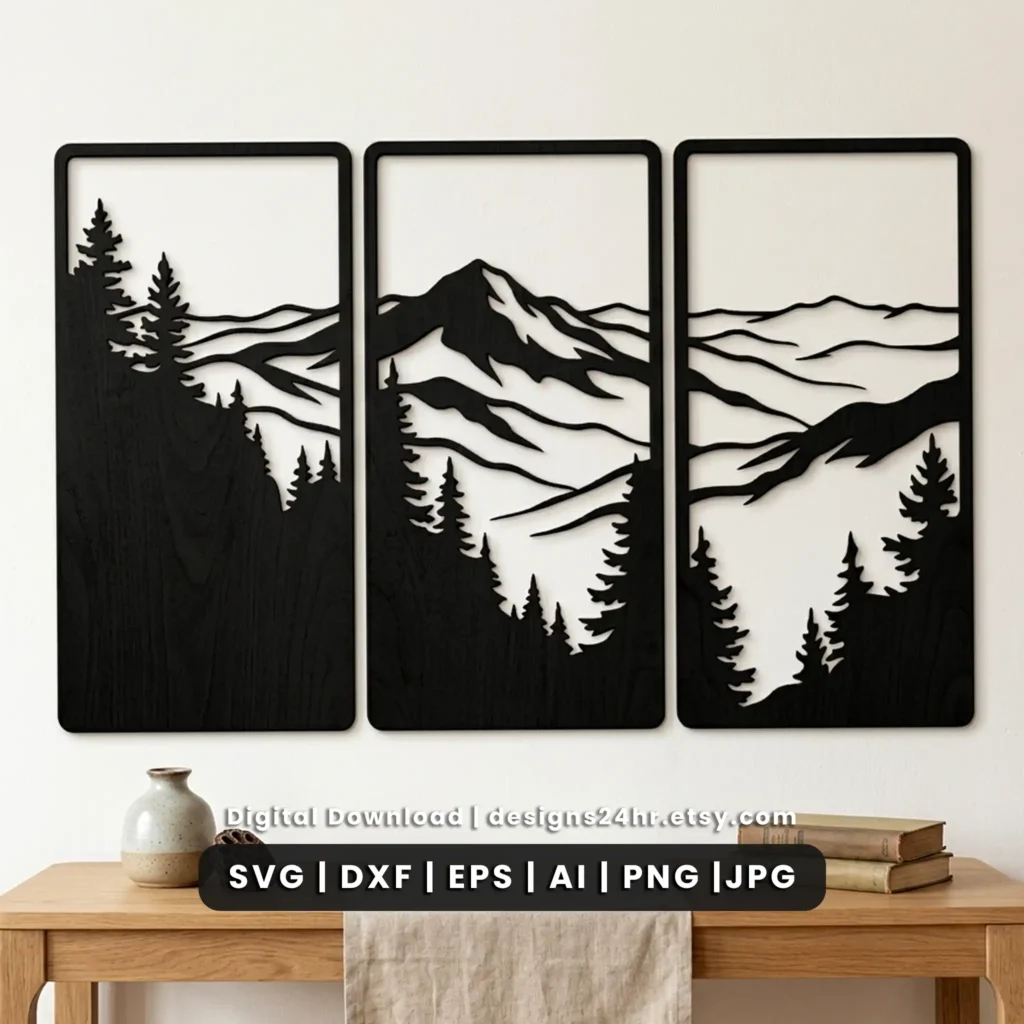
Create coordinated three-panel wall art with this mountain triptych SVG, featuring pine trees, layered mountain ridges and a continuous landscape designed to flow across all three panels. The digital download includes six useful file formats for compatible laser-cutting, CNC, vector-editing and creative workflows.
Unlike a single decorative panel, this 3 panel mountain SVG is built as one visual composition. The mountain ridges and forest elements continue from one panel to the next, making it suitable for laser-cut mountain wall art, cabin decor, lodge-style interiors and other nature-themed projects.
Digital files only. No finished wooden wall art, frame, material or physical product is shipped from this page.Mountain Triptych SVG at a Glance
This mountain laser cut file combines three tall landscape panels into one coordinated mountain-and-pine composition. The panels can be resized for different projects, but all three should be scaled equally so the landscape continues correctly from one panel to the next.
| Design | Mountain and pine forest triptych landscape |
|---|---|
| Number of panels | 3 coordinated panels |
| Layout | Continuous landscape across all three panels |
| Panel proportions | Approximately 1:2 width-to-height per panel |
| Vector formats | SVG, DXF, EPS and AI |
| Raster formats | PNG and JPG |
| Delivery | Digital download |
| Physical product | Not included |
| Resizing | Yes. Keep each panel’s proportions locked and scale all three panels equally. |
| Typical project | Laser-cut mountain wall art, framed triptych decor and compatible CNC or creative projects |
A Continuous 3-Panel Mountain Landscape
The main difference between this design and an ordinary mountain wall art SVG is the relationship between the panels. The three pieces are intended to be displayed together as one landscape rather than treated as three unrelated designs.
Mountain ridges
Layered ridge lines establish the main landscape and continue visually across the triptych, creating depth without requiring three unrelated wall panels.
Pine forest details
Evergreen and forest elements support the mountain scene and create a nature-focused look suited to cabin, lodge, rustic and outdoor-inspired interiors.
Tall panel format
Each piece uses approximately a 1:2 width-to-height proportion, giving the final triptych a vertical architectural appearance.
Coordinated composition
The three panels are designed to remain visually connected when equal scaling and consistent spacing are maintained.
What’s Included in the Mountain Triptych Download
The digital package includes six file formats so makers can choose the version that best suits their compatible software and workflow. Always confirm that your machine or software supports at least one included format before purchasing.
Scalable vector artwork commonly used in compatible laser cutting, cutting-machine and vector-design workflows.
Vector exchange format often used with compatible CAD, CNC and laser-cutting software.
Editable vector format supported by many professional graphics and design programs.
Source vector format useful for compatible Adobe Illustrator editing workflows.
Raster image format useful for previews, placement, references and compatible print-based workflows.
Convenient raster reference format for viewing the design or planning a project layout.
Choosing the Right Mountain Triptych Size
Because the individual panels use an approximately 1:2 width-to-height ratio, you can plan a three panel mountain wall art installation at multiple sizes while keeping the original composition intact.
| Approx. panel size | Three panels before gaps | Example use |
|---|---|---|
| 6 × 12 in each | 18 × 12 in | Small wall or shelf-area display |
| 8 × 16 in each | 24 × 16 in | Compact wall arrangement |
| 10 × 20 in each | 30 × 20 in | Medium wall art installation |
| 12 × 24 in each | 36 × 24 in | Living room or office wall |
| 16 × 32 in each | 48 × 32 in | Large feature wall |
| 20 × 40 in each | 60 × 40 in | Oversized statement installation |
3-Panel Triptych Width Calculator
Enter your planned panel width and the gap you want between each panel to estimate the total installed width.
How to Keep All Three Mountain Panels Aligned
Correct scaling is especially important with a mountain triptych SVG because the landscape is designed to continue across panel boundaries. Resizing one panel independently can make the mountain ridges or forest elements stop lining up correctly.
Using the Files With Your Laser-Cutting Workflow
This mountain triptych laser cut file is supplied in several formats rather than being tied to one specific machine brand. That gives makers more flexibility while avoiding unsupported claims that a file will behave identically in every machine or software environment.
Choose the appropriate file
Select SVG, DXF, EPS or AI when a compatible vector workflow is required. PNG and JPG are raster formats and may be useful for reference, layout or compatible print-based processes.
Check dimensions
Confirm that the planned panel dimensions fit within your machine’s available working area and your selected material.
Review small details
Significant downscaling can make narrow bridges or small landscape details more delicate. Review the file at the final intended size before production.
Run a material test
Settings vary by material, thickness, machine and lens or tool condition. Test an appropriate sample before producing all three finished panels.
Project Ideas for the 3-Panel Mountain SVG
The nature-focused composition gives the mountain landscape SVG several possible finished applications without changing the underlying design.
Cabin wall art
Create a coordinated mountain feature for cabin, lodge or outdoor-inspired interior decor.
Rustic home decor
Use the mountain-and-pine scene as a nature-themed focal point in rustic or warm contemporary spaces.
Office wall decor
Build a wide landscape installation using three vertically proportioned panels.
Framed panels
Mount or frame each finished piece individually while keeping equal spacing across the full triptych.
Handmade products
Produce finished physical products in accordance with the usage terms included with the digital design.
Nature-themed gifts
Turn the finished triptych into a handmade decorative gift for someone who enjoys mountain, forest or cabin-inspired decor.
Before You Cut the Mountain Triptych
A digital design does not determine the final production result on its own. Material, scale, machine settings and assembly choices can all affect the finished project.
- Confirm your software supports one of the included formats.
- Check that each finished panel fits your machine’s work area.
- Keep the original aspect ratio locked.
- Scale all three panels by the same percentage.
- Review narrow details after significant downscaling.
- Account for the kerf or material removed by your cutting process.
- Test suitable settings on a sample of the actual material.
- Calculate wall spacing before mounting the completed panels.
- Preview all three pieces together before final production.
- Confirm finishing and mounting methods for your chosen material.
What Makes This Mountain Triptych Different?
One landscape across three panels
The design is structured as a coordinated triptych rather than simply packaging three unrelated mountain graphics together.
Six supplied file formats
SVG, DXF, EPS, AI, PNG and JPG provide several options for compatible maker, vector and creative workflows.
Flexible sizing
Vector versions can be resized while maintaining the original proportions and equal scaling across the set.
Nature-focused composition
Mountains, layered ridgelines and pine trees create a clear landscape identity suited to nature-inspired wall decor.
Digital Download and Usage Terms
This listing provides digital artwork only. Purchasing the file does not include wood, acrylic, metal, frames, hanging hardware, printed artwork or finished wall decor.
Physical finished products
The design may be used to create finished physical products in accordance with the license terms provided with the original Designs24hr Etsy listing.
Digital redistribution
The original digital files may not be resold, shared, redistributed, repackaged or offered as another digital download.
Mountain Triptych SVG FAQs
What is included with the Mountain Triptych SVG?
The digital download includes the three coordinated mountain landscape panels in SVG, DXF, EPS, AI, PNG and JPG formats. No physical wall art or materials are included.
Is this one design or three separate wall panels?
It is one coordinated landscape divided into three panels. The mountain ridges, pine trees and landscape elements are intended to flow visually across the complete triptych.
Do the mountain scenes line up across all three panels?
Yes. The three panels form a continuous composition. Scale each panel equally and keep the original proportions locked so the landscape remains aligned.
Can I resize the mountain triptych?
Yes. The vector formats can be resized, but all three panels should be scaled by the same percentage. Avoid stretching one panel differently from the others.
What size should each triptych panel be?
There is no single required finished size. The panels use approximately a 1:2 width-to-height proportion, so examples include 8 × 16, 10 × 20, 12 × 24 or 16 × 32 inches per panel. Your final size should also suit your material and machine working area.
How do I calculate the total width of all three panels?
Multiply one panel’s width by three, then add the two spaces between the panels. For example, three 16-inch-wide panels equal 48 inches. With two 1.5-inch gaps, the complete installation is approximately 51 inches wide.
Which file formats are included?
The download includes SVG, DXF, EPS, AI, PNG and JPG formats. Confirm that your software or machine supports at least one included format before purchasing.
Can I use the DXF file in a CNC workflow?
DXF is commonly used in compatible CAD and CNC workflows, but compatibility varies by software and machine. Import the file into your own setup and confirm dimensions, paths and settings before production.
Is finished wooden mountain wall art included?
No. This is a digital-file product. Finished wood panels, framing, mounting hardware, materials and other physical items are not included.
Can I sell finished products made with the design?
Finished physical products may be created and sold according to the current usage terms provided with the original Designs24hr Etsy listing. Check those terms before commercial production.
Can I resell or share the digital SVG files?
No. The digital source files should not be resold, shared, redistributed, repackaged or uploaded as another digital product.
What should I check before laser cutting the design?
Confirm file compatibility, final dimensions, material thickness, detail size, machine working area and appropriate settings. Keep the proportions locked, scale all three panels equally and test your chosen material before producing the complete triptych.
Explore More Laser Cut Wall Art
Looking for another laser-cut wall decor project? Explore the Designs24hr Laser Cut Wall Art collection for additional landscape, geometric and decorative designs, or browse the complete laser cut file collection.
Ready to Create Your Mountain Triptych?
Get the complete three-panel mountain landscape digital file from the Designs24hr Etsy shop, then choose the included format that fits your compatible maker workflow.
Digital download • No physical product shipped