
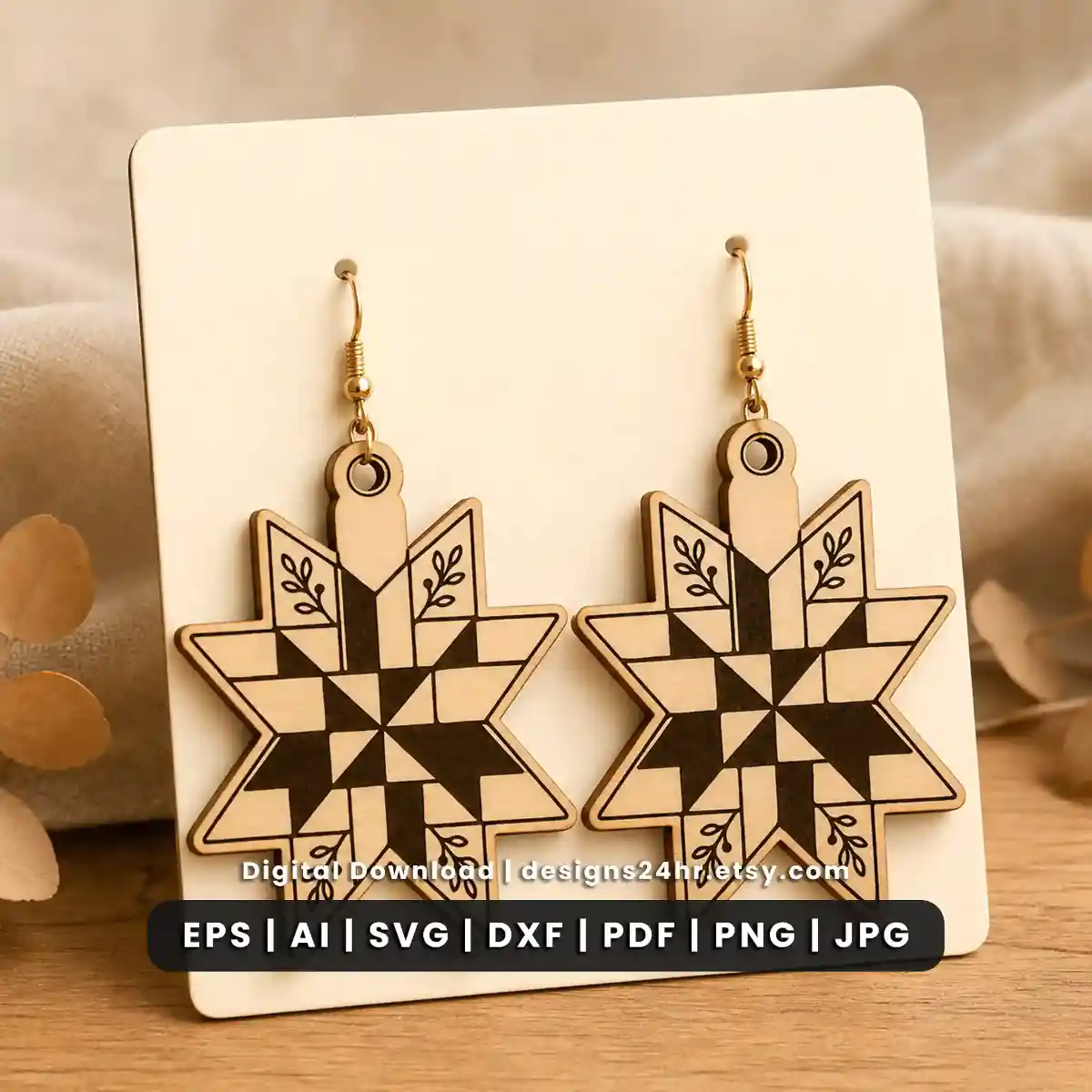
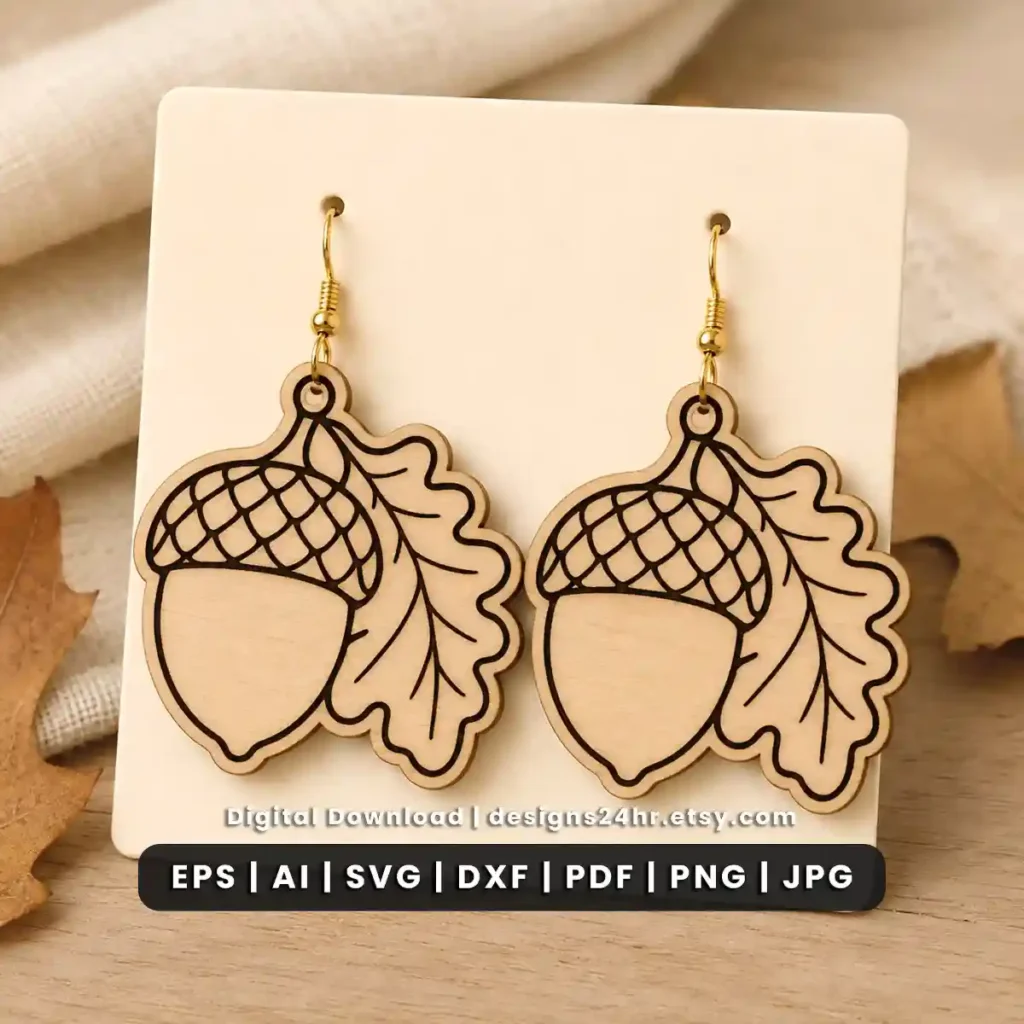
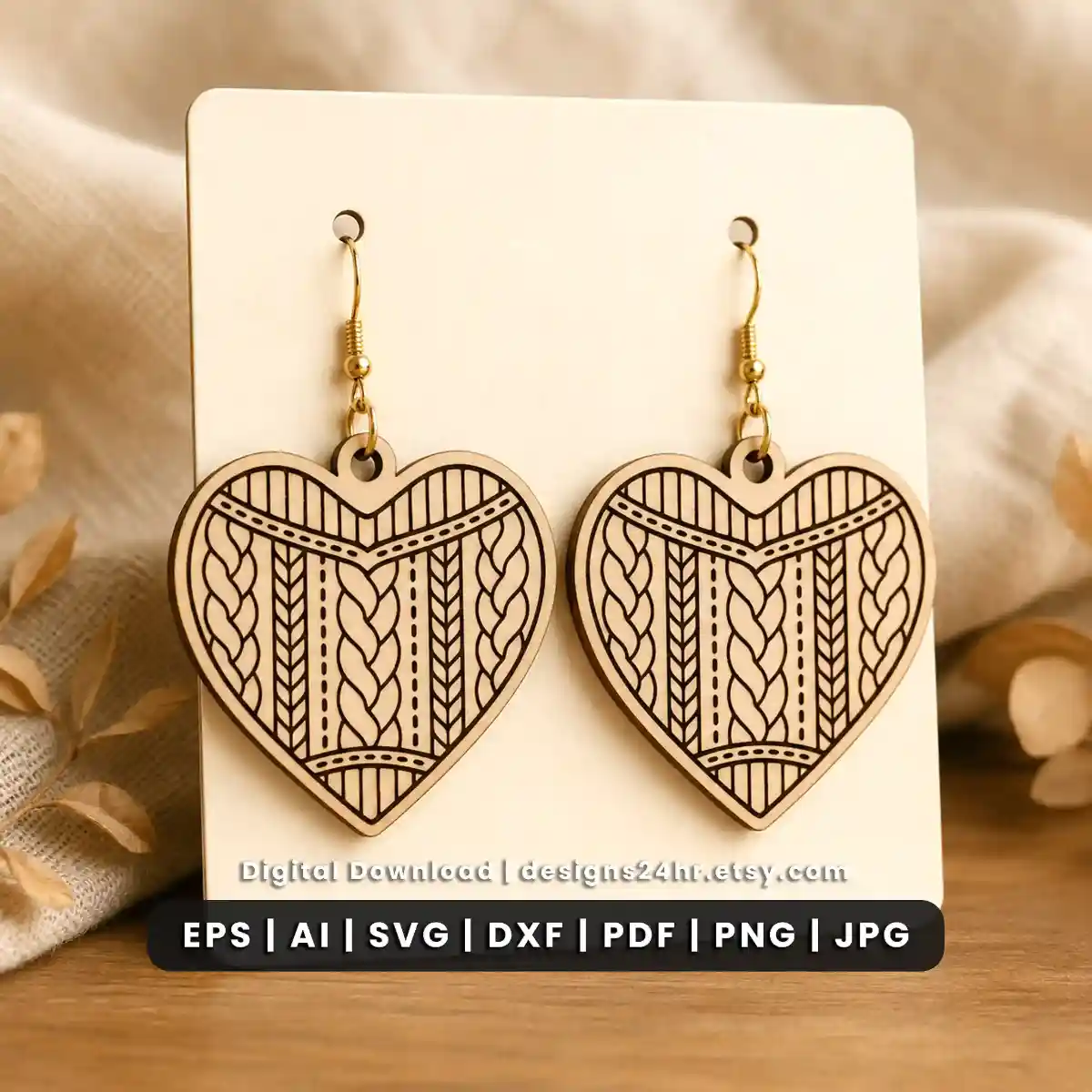
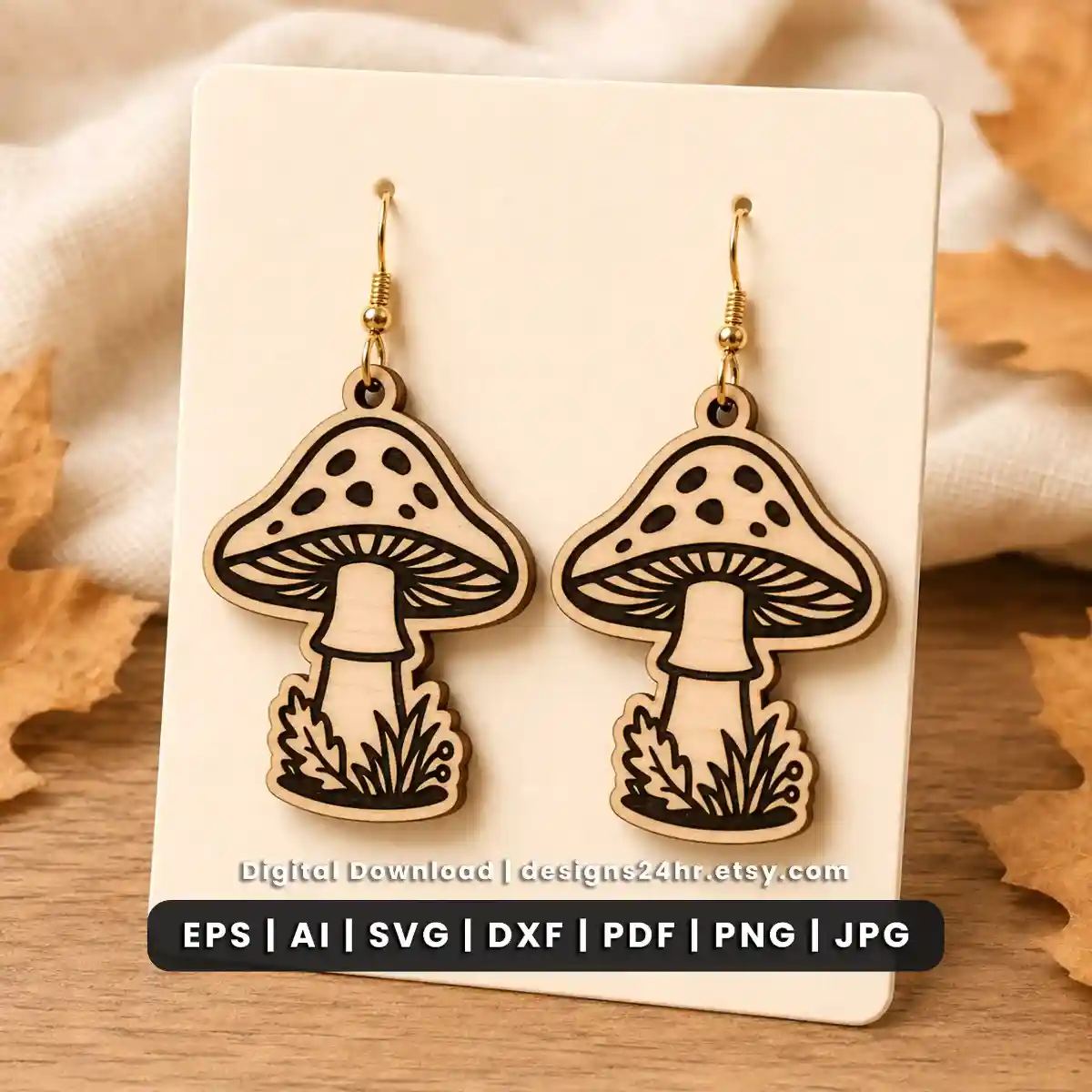
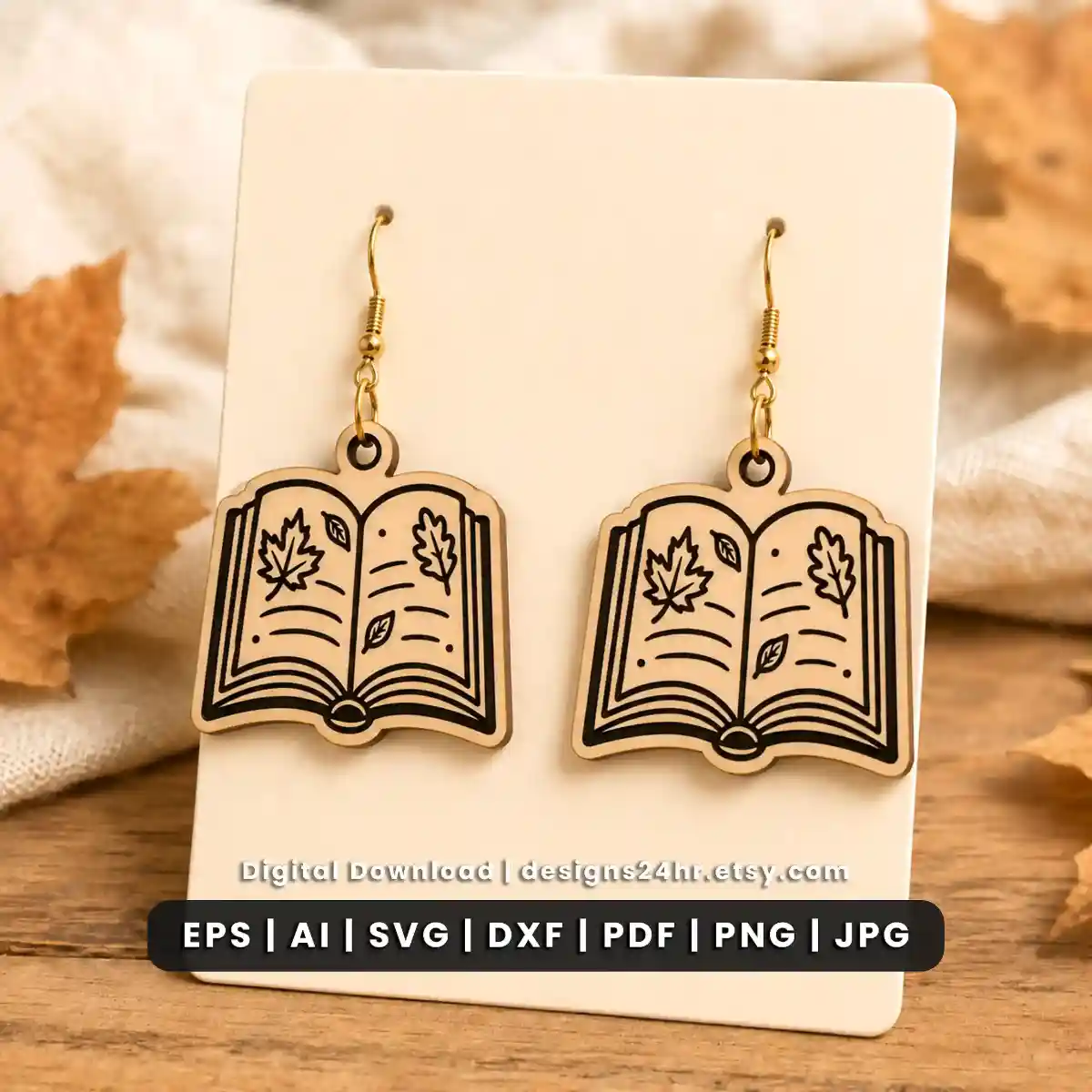
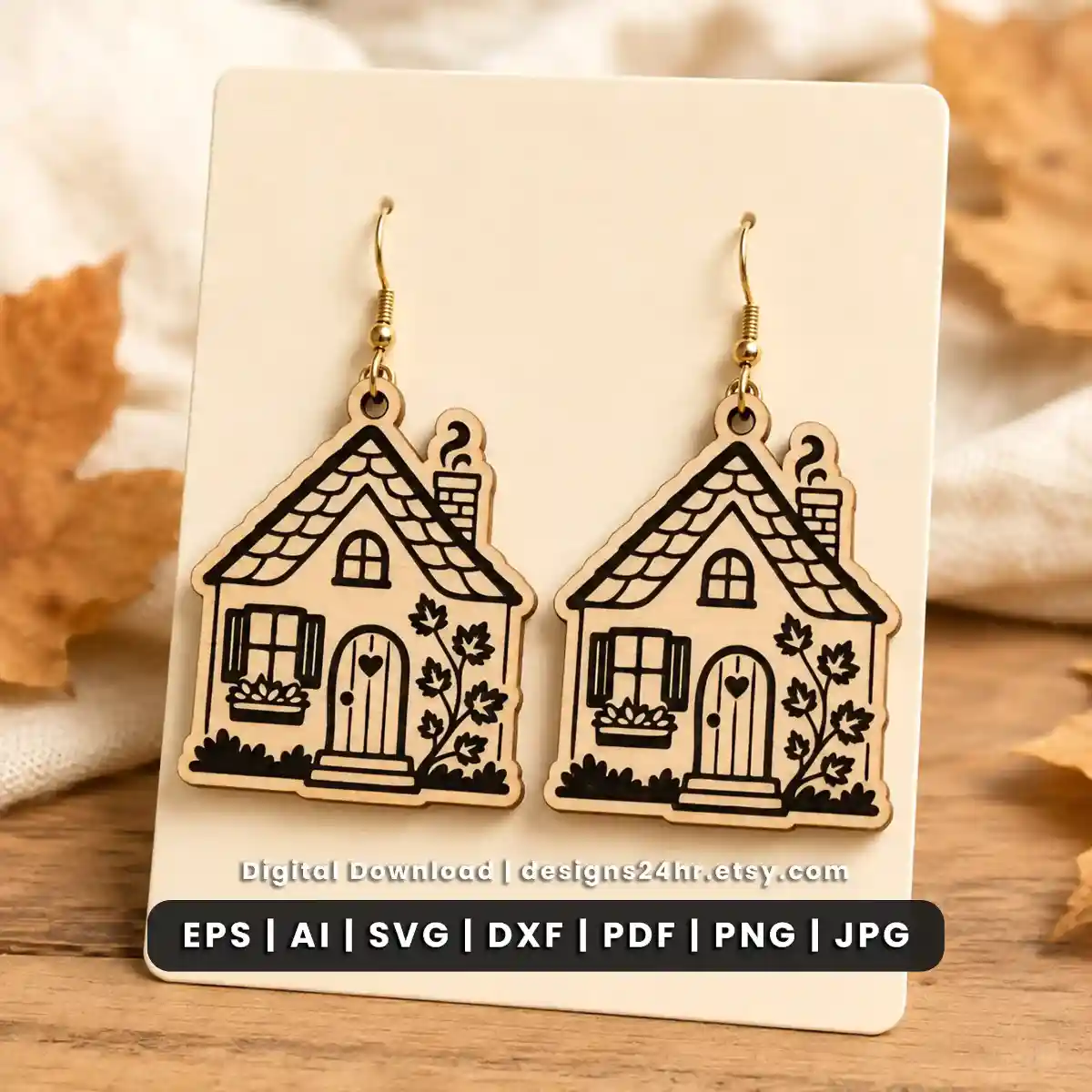
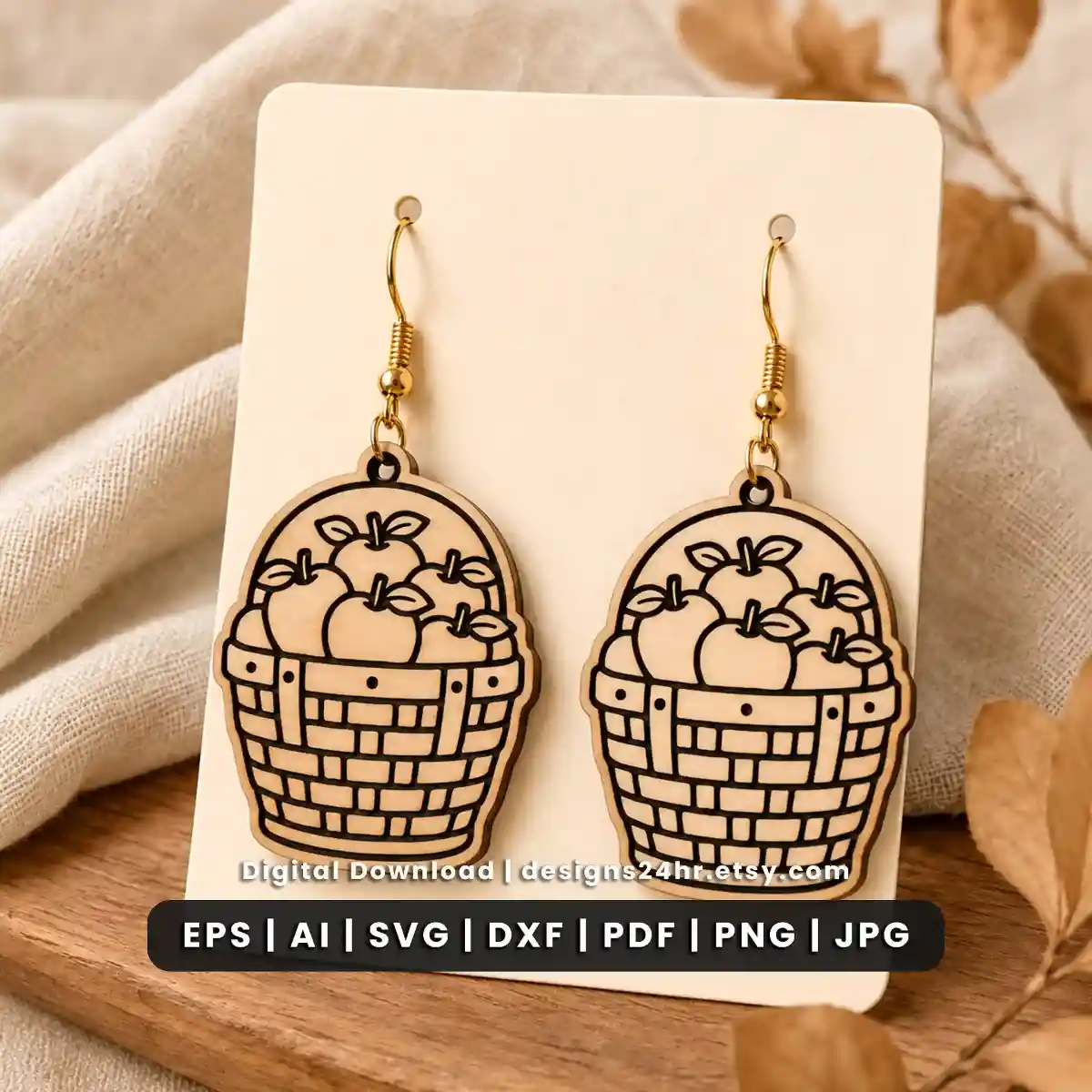
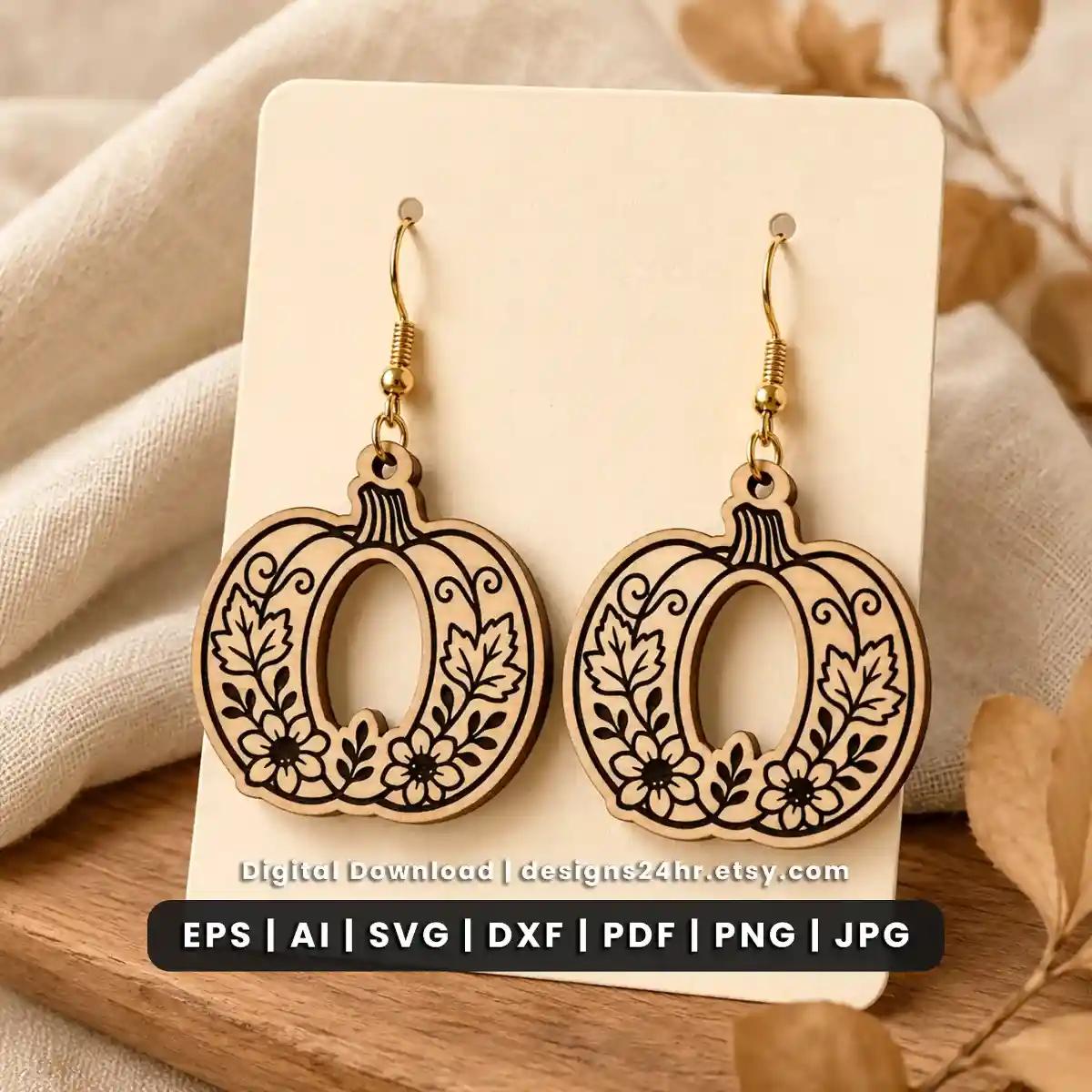
12 Cozy Autumn Earring Designs in One Digital Bundle
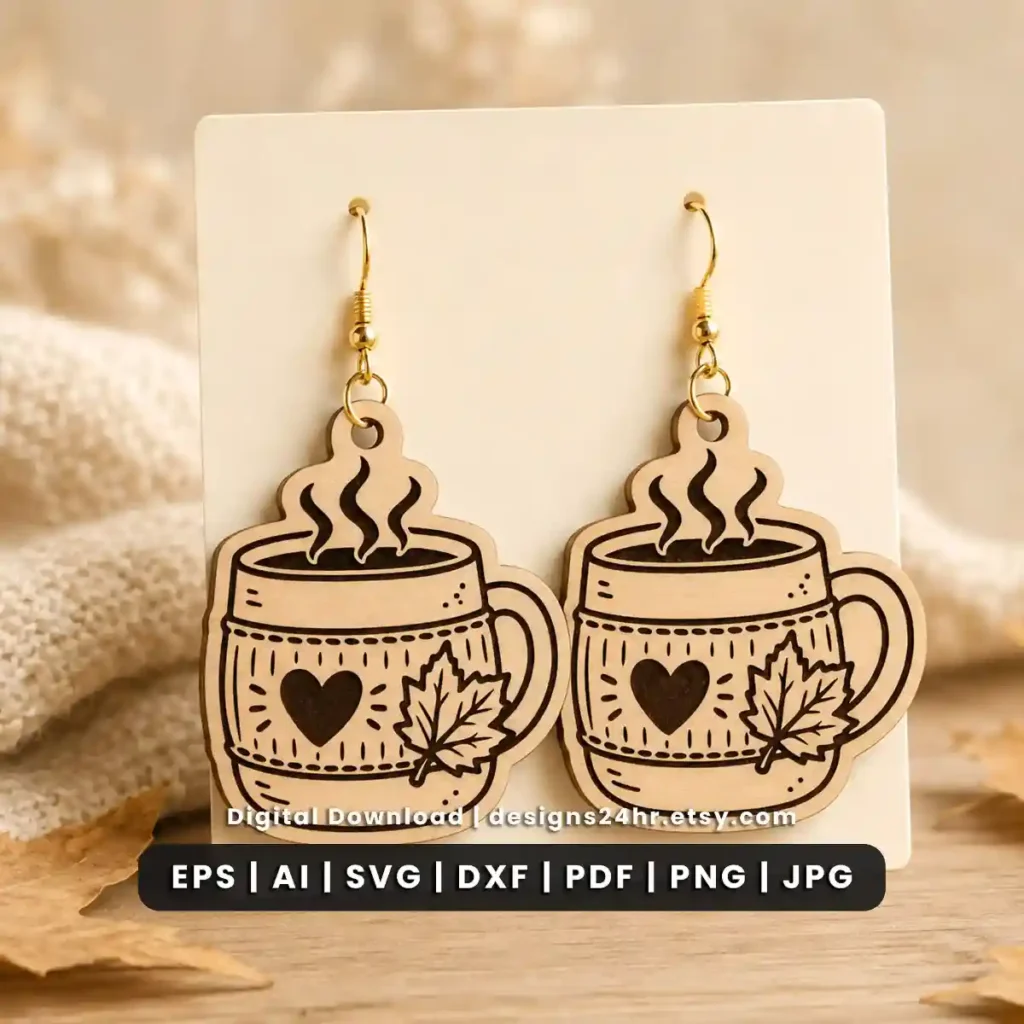
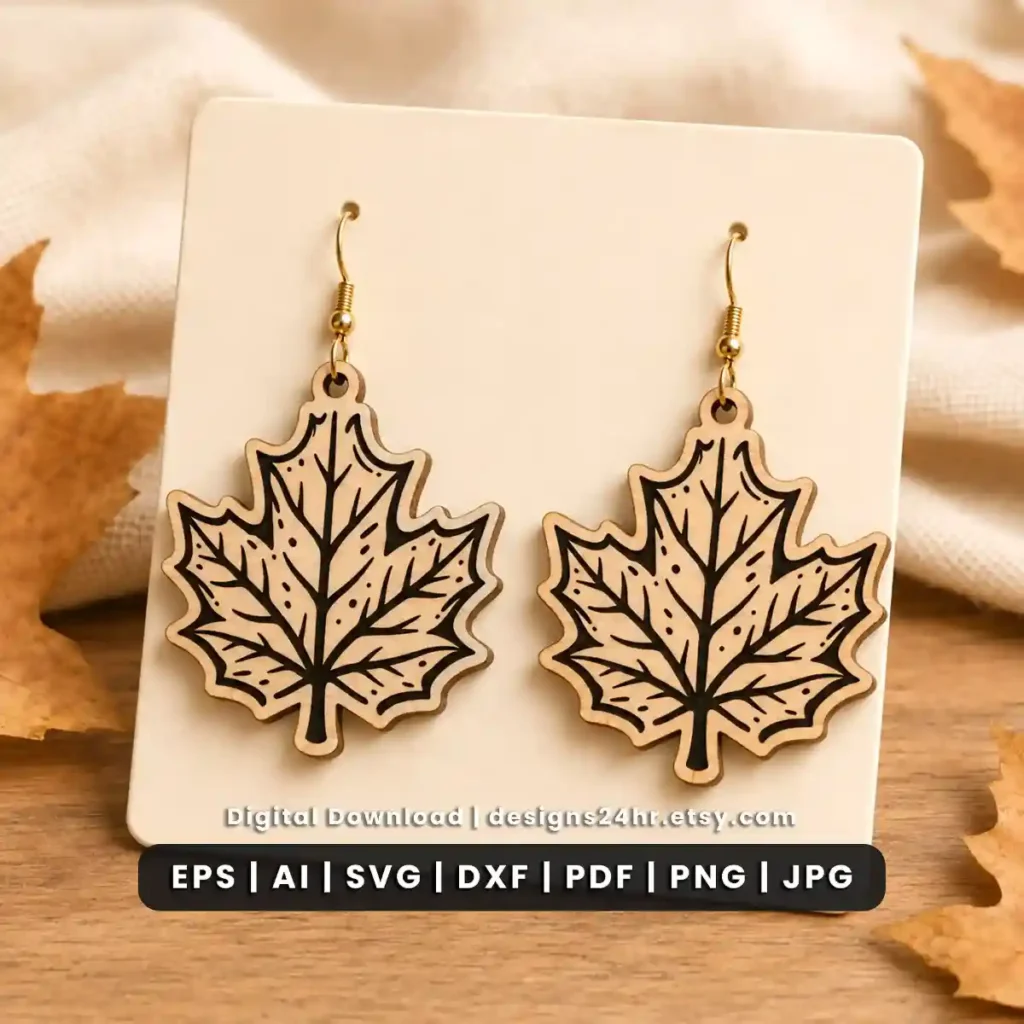
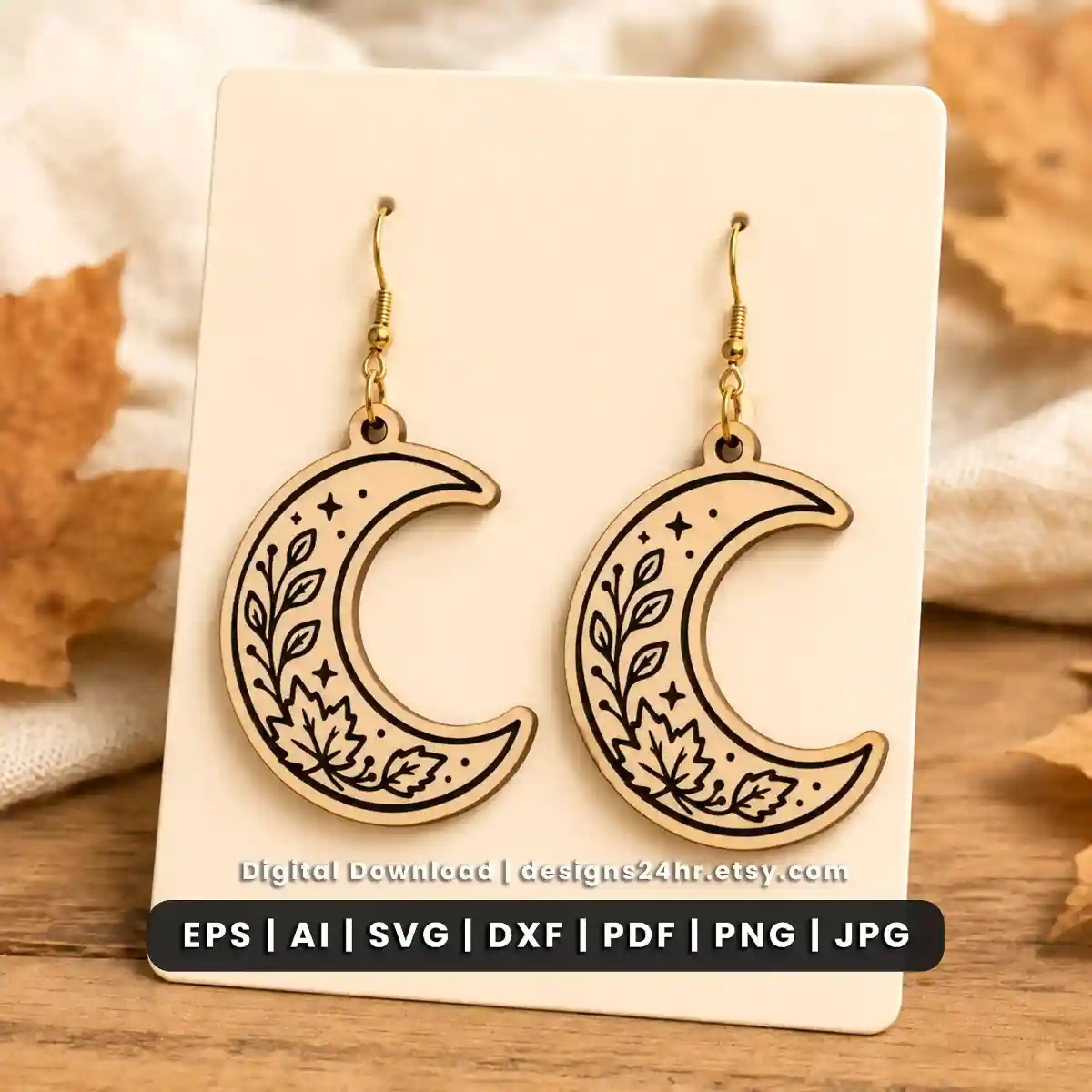
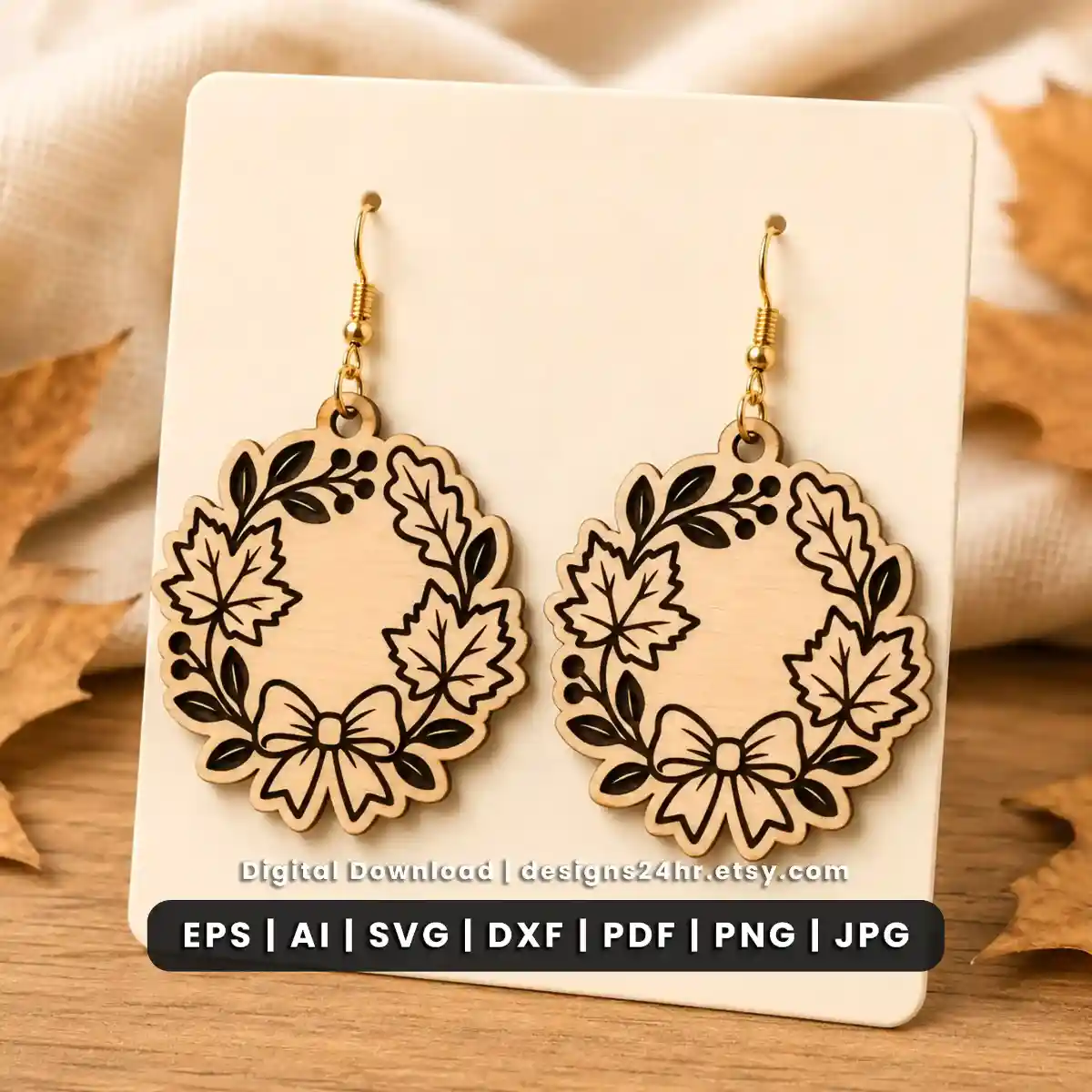
This fall earrings SVG bundle includes 12 seasonal designs created for laser cutting and engraving wooden earrings. The collection combines cozy autumn motifs such as pumpkins, leaves, cottages, books, mushrooms, mugs and acorns in a single downloadable ZIP file for makers preparing fall jewelry, craft-fair inventory, boutique accessories and seasonal handmade products.
Each design is supplied as its own SVG file, with additional bundle and reference formats included for compatible workflows. Red artwork lines are intended as cut lines, while black artwork is intended for engraving. Review your software, machine, material and sizing requirements before starting a final project.
What’s Included in the Fall Earrings SVG Bundle
The download contains 12 individual autumn earring designs plus several file types for compatible design and laser workflows. The exact package includes:
- 12 separate SVG files
- 1 combined SVG bundle file
- 1 DXF file
- 1 EPS file
- 1 AI file
- 1 PDF file
- 1 PNG preview file
- 1 JPG preview file
- 1 downloadable ZIP package
Digital product only: no physical earrings, wood blanks, earring hooks, jump rings, display cards or finished jewelry are included.
12 Cozy Fall Earring Designs
The bundle brings together a variety of autumn themes so makers can create a coordinated seasonal jewelry collection rather than working from a single motif.
Cut Lines vs Engraving Artwork
The artwork uses color to help distinguish the intended production elements before the design is prepared in compatible laser software.
Red Lines — Intended Cut Lines
Red lines identify the parts of the artwork intended to define the outer shape or other cutting paths. Review these paths inside your laser software before sending the design to your machine.
Black Artwork — Intended for Engraving
Black artwork identifies decorative details intended for engraving. Engraving results can vary with the laser, material, power, speed, focus and other machine settings.
The line colors describe the intended artwork roles, but you should still inspect layers, paths, scale and machine settings inside your own compatible software before starting a final cut.
SVG, DXF, EPS, AI, PDF, PNG & JPG Files
Different makers use different software, so the bundle includes several vector and preview formats. Choose the file type supported by your software and workflow.
Ways to Use the Fall Laser Cut Earring Designs
This autumn earrings SVG bundle is designed around seasonal jewelry and maker projects where decorative cut shapes and engraved details can be combined into finished physical products.
How to Prepare the Fall Earring Files for Laser Cutting
Your exact workflow will depend on the software, laser and material you use, but the basic preparation process is straightforward.
Purchase the Bundle
Open the corresponding Designs24hr Etsy listing and complete your digital purchase.
Download the ZIP File
Download the files from your Etsy account after the purchase becomes available.
Extract the Folder
Unzip or extract the downloaded folder before attempting to open the design files.
Choose a Compatible Format
Select SVG, DXF, EPS, AI, PDF or another included format supported by your software.
Check Scale and Artwork
Review size, cut lines, engraving artwork and placement before preparing the final job.
Test Before Final Production
Test your settings and chosen material when appropriate before committing to your final earring project.
Check Your Software and Laser Before Using the Files
File compatibility depends on the software version, operating system, machine and workflow you use. This bundle provides multiple file formats, but support for a file extension does not guarantee identical importing, scaling or layer behavior in every program.
Before purchasing or starting a project, confirm that your software can open at least one of the included formats. For example, LightBurn’s official file-management documentation explains the file types currently supported by that software.
You can also visit our Laser Cutting Guides for practical help with digital files, preparation workflows and common laser-cutting questions.
What You Receive — and What Is Not Included
This product is a digital design bundle. After purchasing through Etsy, you receive downloadable files rather than finished jewelry.
The purchase does not include physical earrings, wood pieces, hooks, jump rings, display cards, packaging or other finished craft supplies.
If you are looking for additional digital designs, browse our laser cut files or explore more laser cut earring SVGs .
Commercial Use for Finished Physical Products
Designs24hr allows these files to be used to create and sell finished physical earrings and other finished handmade products for a small business, subject to the applicable Designs24hr license.
The digital artwork itself may not be resold, shared, uploaded, redistributed, copied, traced or included in another digital bundle or downloadable design collection.
Review the complete Designs24hr Terms & License before using the files commercially or distributing finished products.
Continue Browsing Designs24hr Laser Cut Files
Frequently Asked Questions About the Fall Earrings SVG Bundle
What is included in the 12 fall earrings SVG bundle?
Which fall earring designs are included?
What file formats come with the bundle?
Are these physical earrings?
Can the designs be used for laser engraving?
What do the red and black artwork lines mean?
Can I use the designs for wooden earrings?
Can I resize the SVG files?
Can I sell finished earrings made with these designs?
Can I resell or share the digital files?
How do I receive the files after purchasing?
Create a Cozy Fall Earring Collection
Get all 12 autumn earring designs in one digital bundle with SVG, DXF, EPS, AI, PDF, PNG and JPG files for compatible laser cutting and engraving workflows. Review the complete listing details and purchase securely through the Designs24hr Etsy shop.